Omo Space · an interface for agent work
Give your agents
a place.
Not another window to manage. A world you can come back to.
Real AI agents, real terminals and live web pages, inside Minecraft. A library for research. A studio for your next film. A room for the thing you’ll pick up tomorrow.
Open source · runs on your computer · GitHub ↗
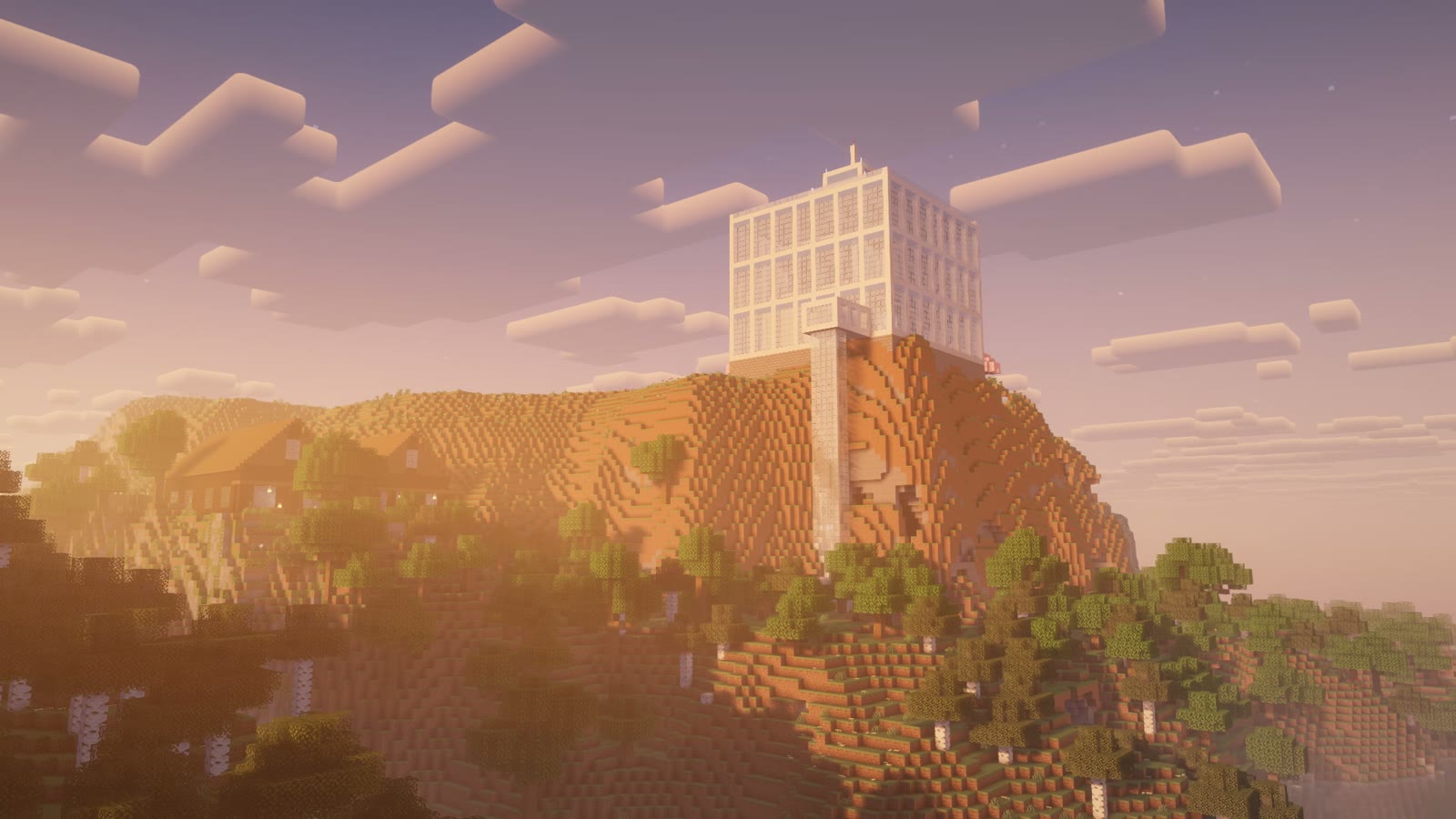
Why a world?
Twenty agents.
One tab bar.
Agents write code, cut video, draft posts and keep working for hours. But we still manage them in chat windows and terminal tabs.
Which one finished? Which is stuck? Where was that project? A tab looks much the same either way. You find out by clicking through, one by one.
You remember where the library is.
Not which tab was seventh from the left.
Worlds, not windows
Work has somewhere to live.
Give each line of work a recognisable place. The screen, the conversation and the page belong together.
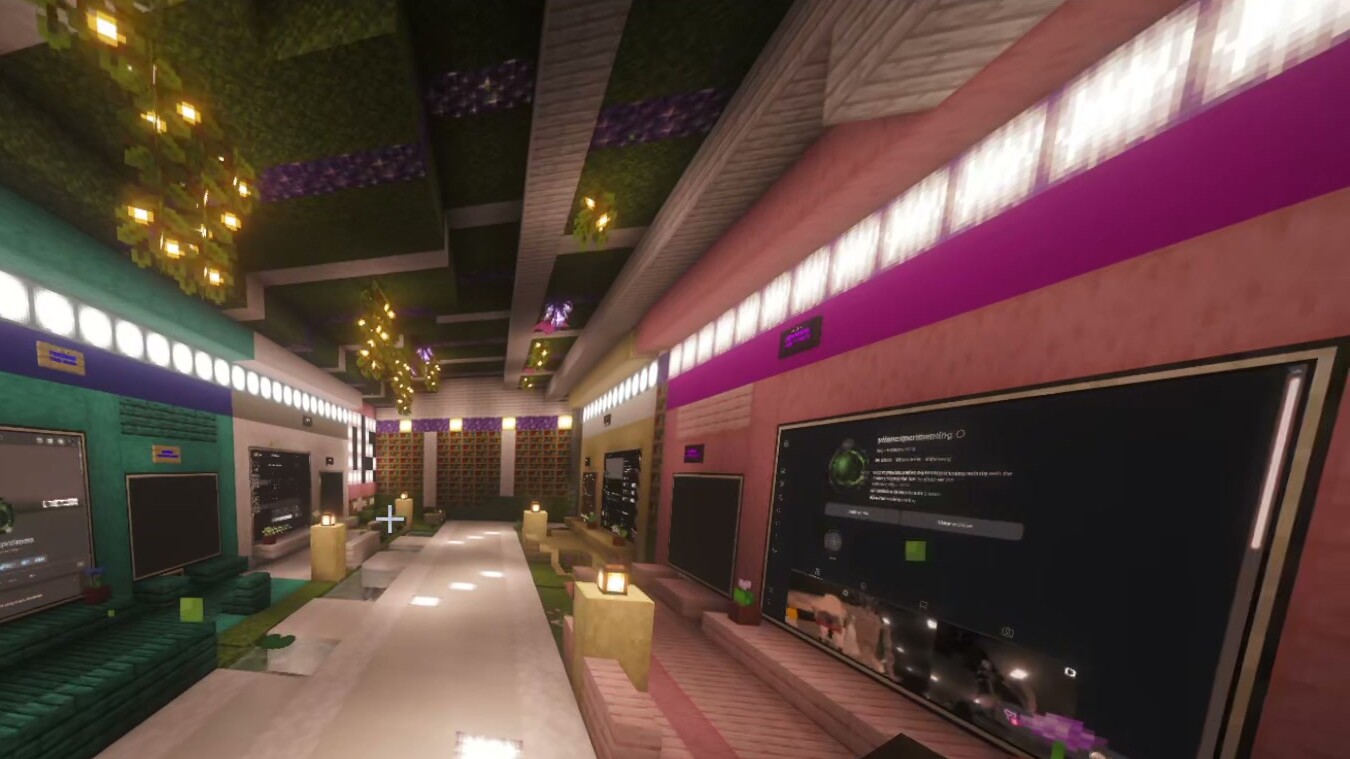
- Find it by going there.
- The editing agent is in the studio. Research is in the library. A place, not a position in a tab bar.
- Come back to where you left off.
- Walk away or close Minecraft. Your agents keep running on your awake computer. Reopen the world; the work is still there.
- See activity at a glance.
- Screens and status lamps show which workspaces are busy. Look across the room, rather than opening every tab.
More than a terminal on a wall
A page for the job.
An agent beside it.
Ask an agent for a review queue, a planning board or a publishing page. Pin it where that work belongs. Review the result, then ask for changes in the terminal beside it.
The page stays put. The agent can keep changing it. Your workspace grows around the way you work—not the other way around.
See the real workflow ↗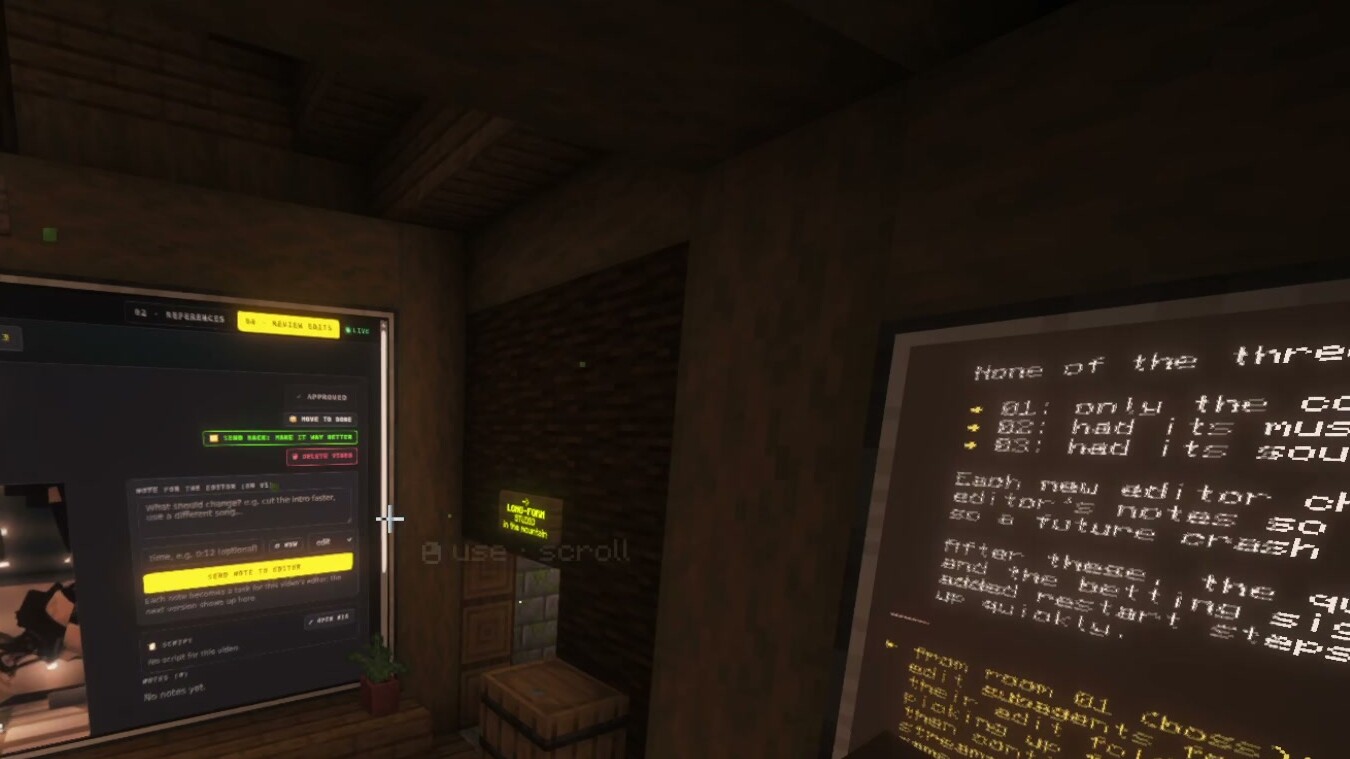
Let the work choose the shape
An office. A cave.
A whole world.
You don’t have to build it block by block. Describe a place to a coding agent. In our own use, agents built an underground base and a robot lab from short requests.
One room for a project. A wing for a team. A world for something bigger. Start small, and make it yours.
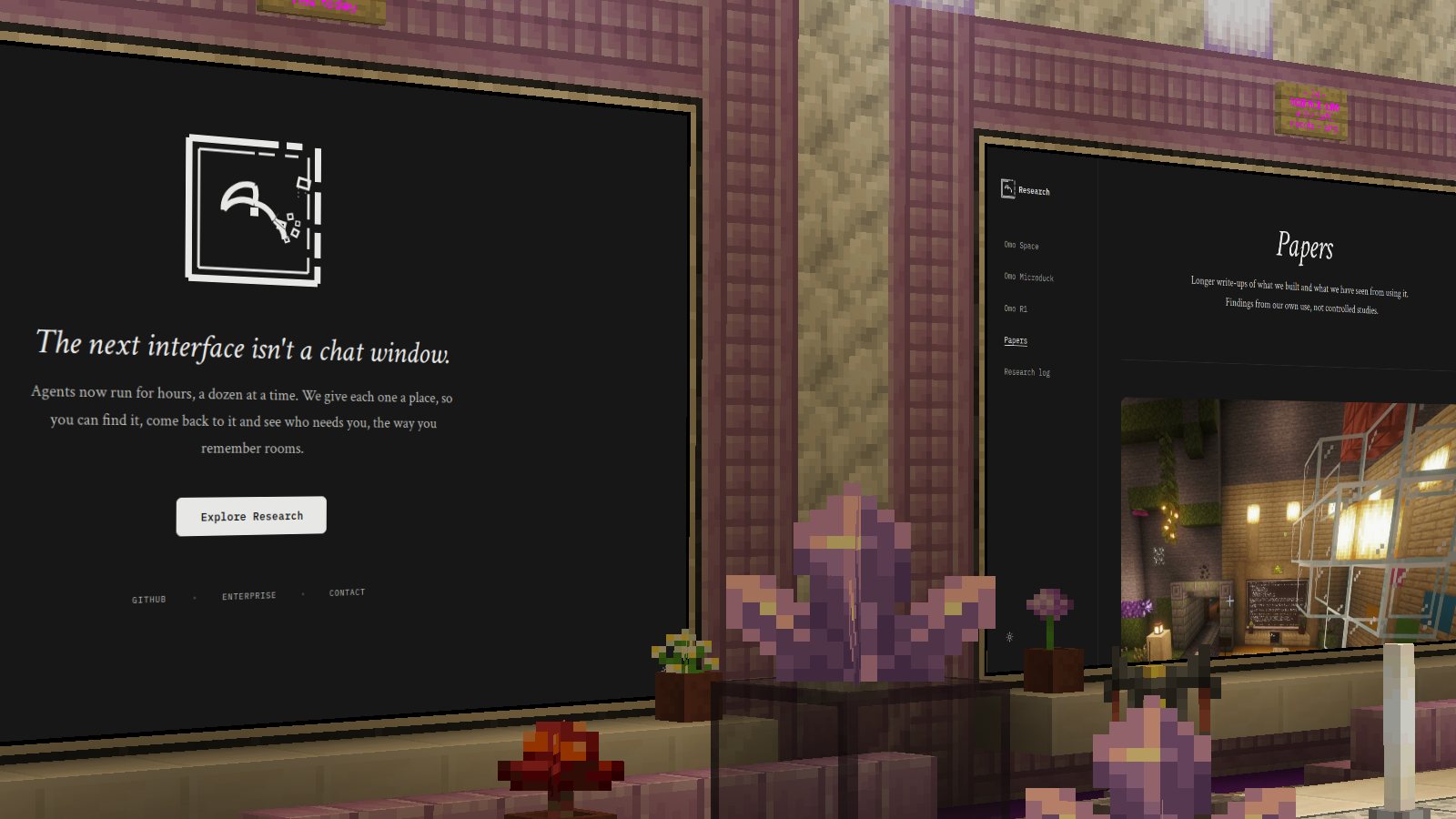
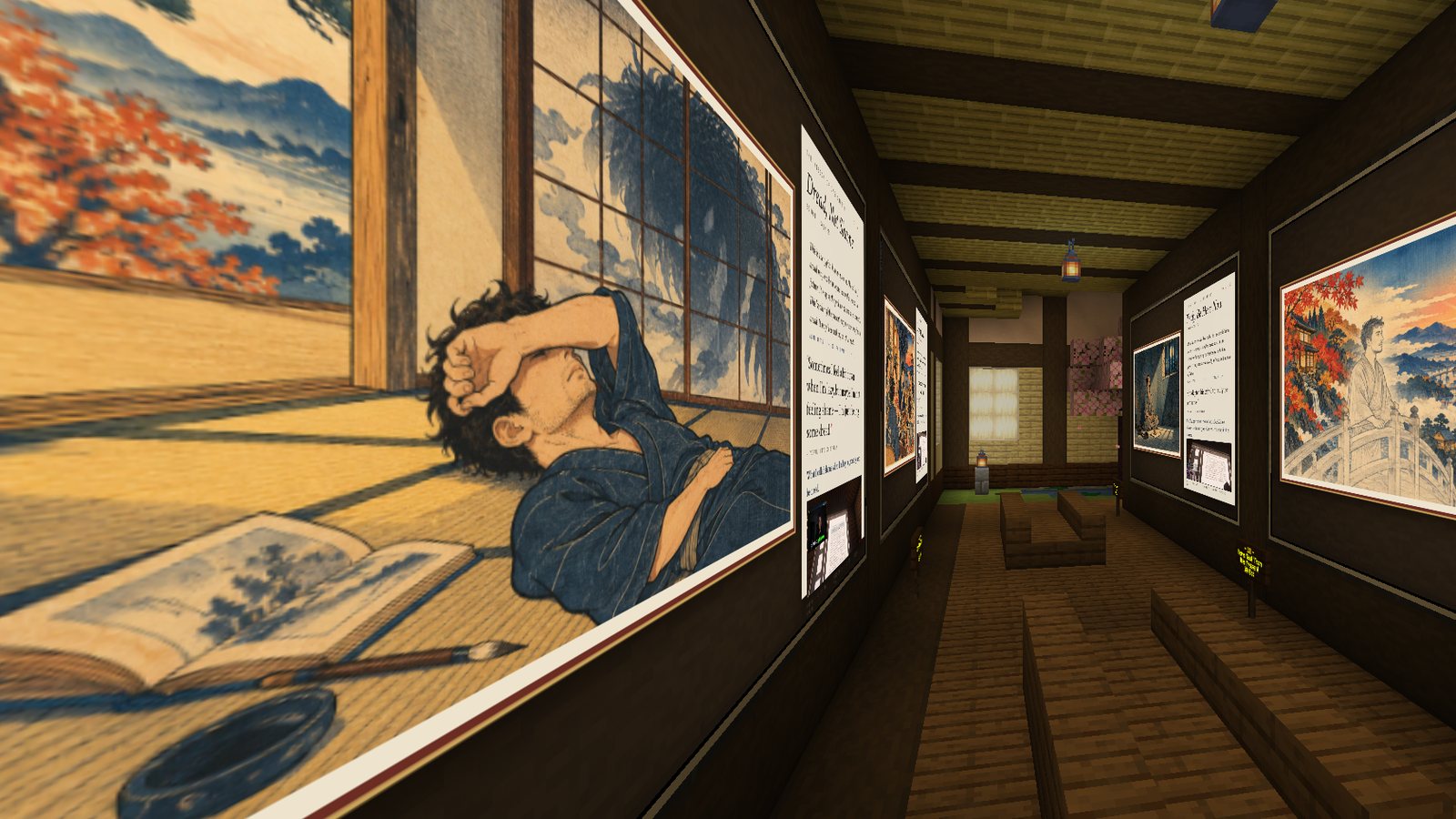
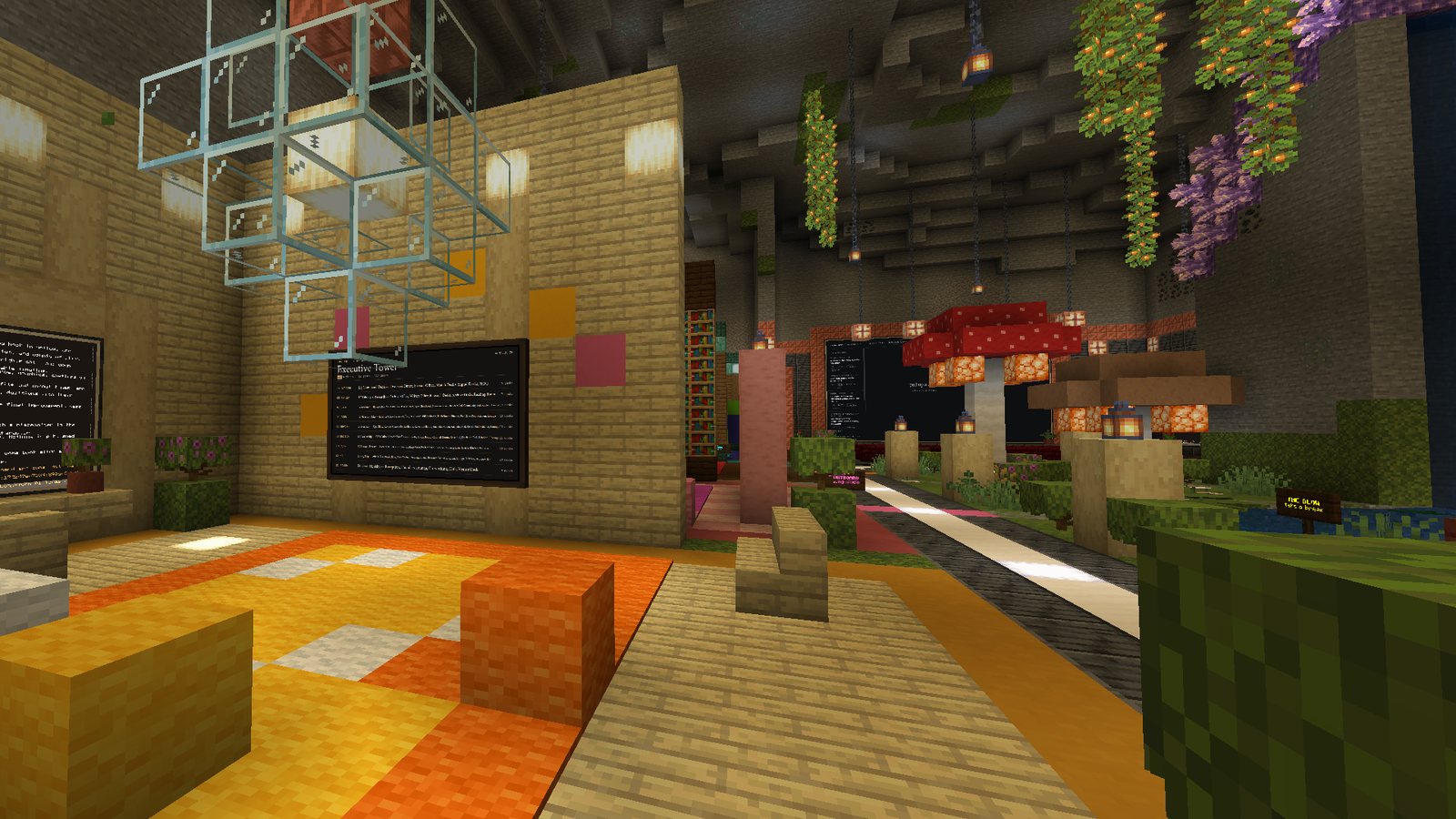
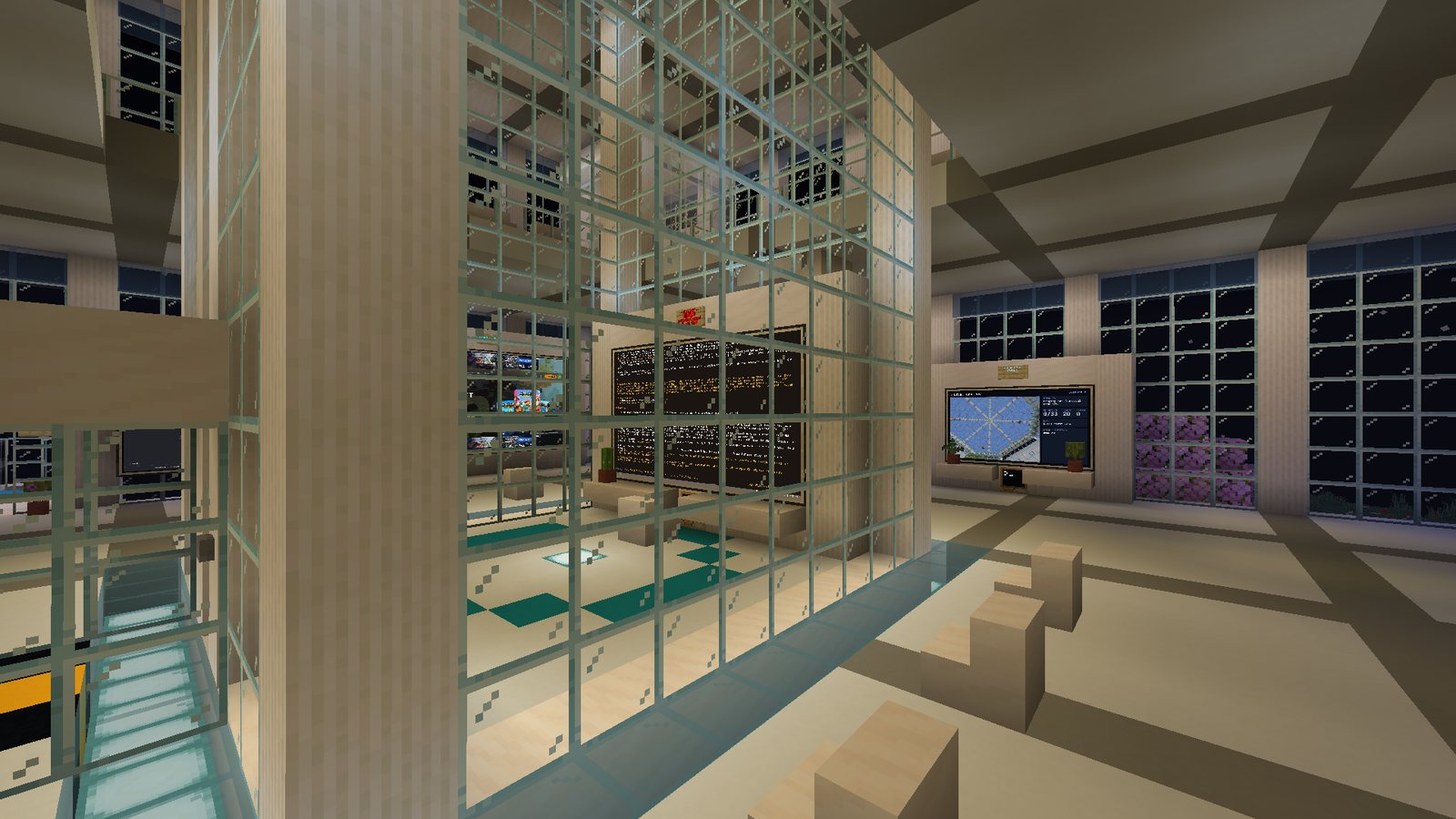
Real in-game captures from our world · 11 November 2026
Built from doing the work
We used Omo Space as our main workspace, live on stream: coding, editing and publishing, with a place for each stage. These are early findings from our own use, not proof that worlds beat tabs.
Quick start with your agent
What would your workspace look like?
Pick a starting point, or describe your own. Copy the prompt into Claude Code, Codex or Hermes in an empty folder.
View the install & world-building prompt
Needs a Minecraft Java account, Python 3.11+ and about 2 GB free. Tested end to end on Linux; macOS and Windows are newer.
What is actually running?
A Minecraft Java 26.2 mod and a small local bridge. The agents—Hermes, Claude Code, Codex or a shell—run on your computer, not inside the game. The bridge displays their terminals and sends your keystrokes back. Your existing agent permissions still apply; a room is not a security sandbox.
What happens when I leave?
Closing Minecraft or restarting the bridge does not stop agent work. Restarting your PC does stop running jobs. Saved Hermes conversations can be resumed; commands are never automatically re-run.
What is still early?
Linux is tested end to end; macOS and Windows support is newer. Lamps show activity, not yet a separate “waiting for you” state. Rooms do not automatically pass work between agents, and the game costs more resources than a terminal. You need your own Minecraft account and your own model access.
Not an official Minecraft product. Not approved by or associated with Mojang or Microsoft. Hermes Agent is by Nous Research, Claude Code by Anthropic and Codex by OpenAI.