Find · 8 of 8
Walk to it
Each agent has a desk, a name plate and a screen. You find it the way you find a colleague.
“How do you keep track of your agents? I just walk around”Stream, 28 Oct
Enterprise · Agentic interfaces
Your teams are starting to run agents by the dozen, for hours at a time, and nobody can see anyone else’s. A chat window was built for one person and one conversation. We design spaces where people can find any agent, see which one needs them, and pick up where they left off.
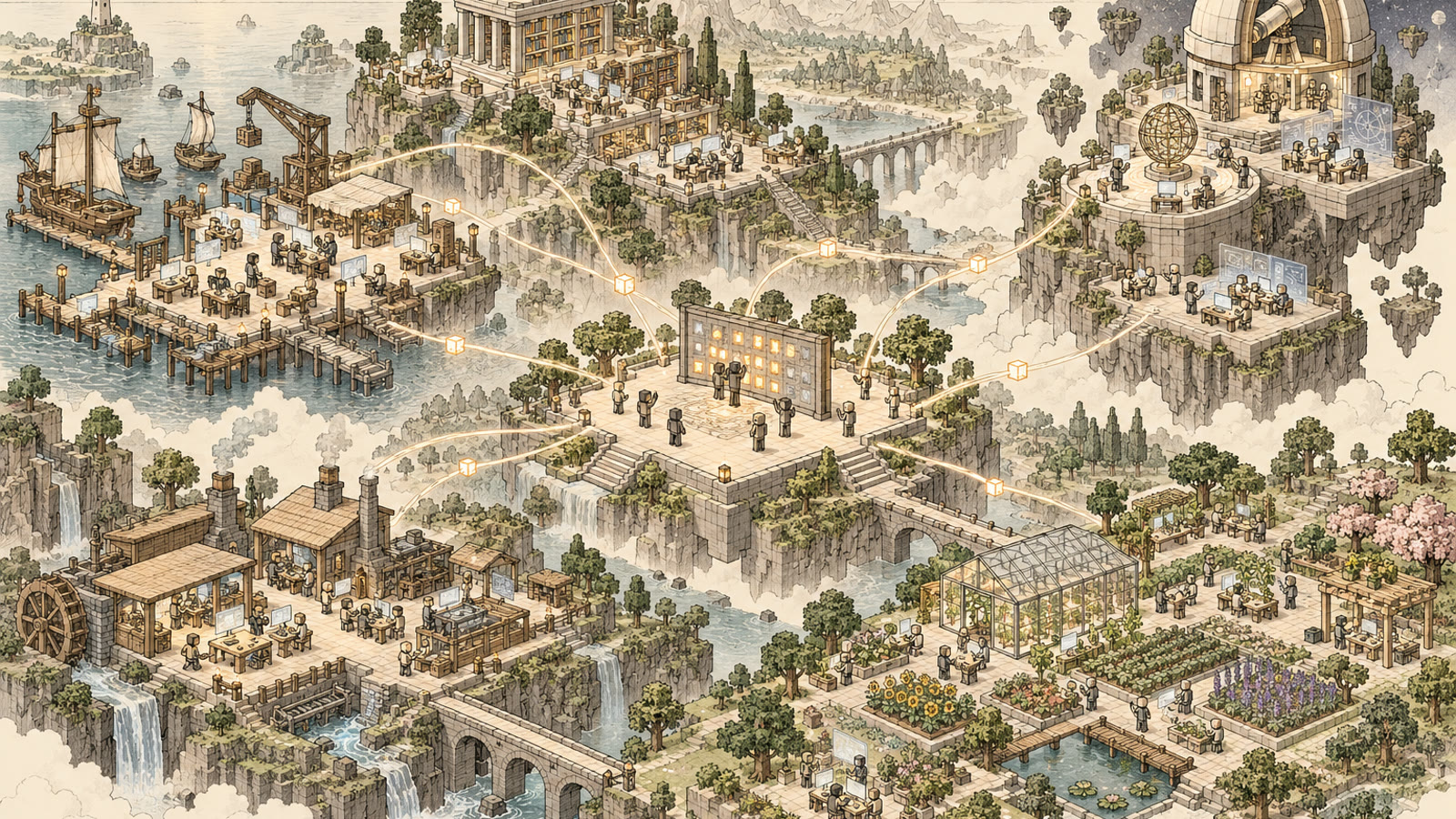
Measured in our own studio, 25–29 October 2026, and reported in our working paper Rooms, Not Windows. One builder plus one second user; not a controlled study.
01 / The problem
Agentic work means many agents that keep running for hours. Each one gets a tab, and every tab looks the same. Past a dozen, people lose track of three simple things.
“Nobody remembers which of the 12 terminal tabs are doing what but you can remember space and rooms … It’s the oldest memory trick out there.”From our stream, 28 Oct 2026
02 / And it gets worse with teams
Agents were designed as one person talking to one assistant. Put fifty people in a team, each running ten agents, and you have five hundred conversations that only their owners can see. Adding people to that does not add up; the coordination cost grows faster than the work.
In a space, the agents are not hidden inside someone’s laptop; they are in rooms everyone can walk into. The floor shows the whole team’s work at once: which room belongs to which team, which agents are working, which one is waiting, and who it is waiting for.
Honest status: today a workspace lives on the computer that opened it, and a friend on another PC gets a fresh copy. Shared spaces for whole teams are what our pilots are for.
03 / See it
This is our own world, filmed tonight. Every room is a job, and every room was built by an agent from a short request. In daily use each terminal on a wall is a live agent session on the computer underneath.
The library: our launch-video and branding room, one agent desk per job. In-game footage, 30 Oct 2026, filmed on a copy of the world, so these screens show log text rather than live agents.
04 / Why a place
People remember places far better than tabs; interface research has shown it for forty years. A spatial interface turns the four hardest parts of running many agents into things people already do well. Each of these came up in nearly every part of our five-day study.
Each agent has a desk, a name plate and a screen. You find it the way you find a colleague.
“How do you keep track of your agents? I just walk around”Stream, 28 Oct
The work stays on the wall where you left it, through closed screens, restarts and days away.
“Boom the agents are still working right here”Stream, 25 Oct, after quitting the game
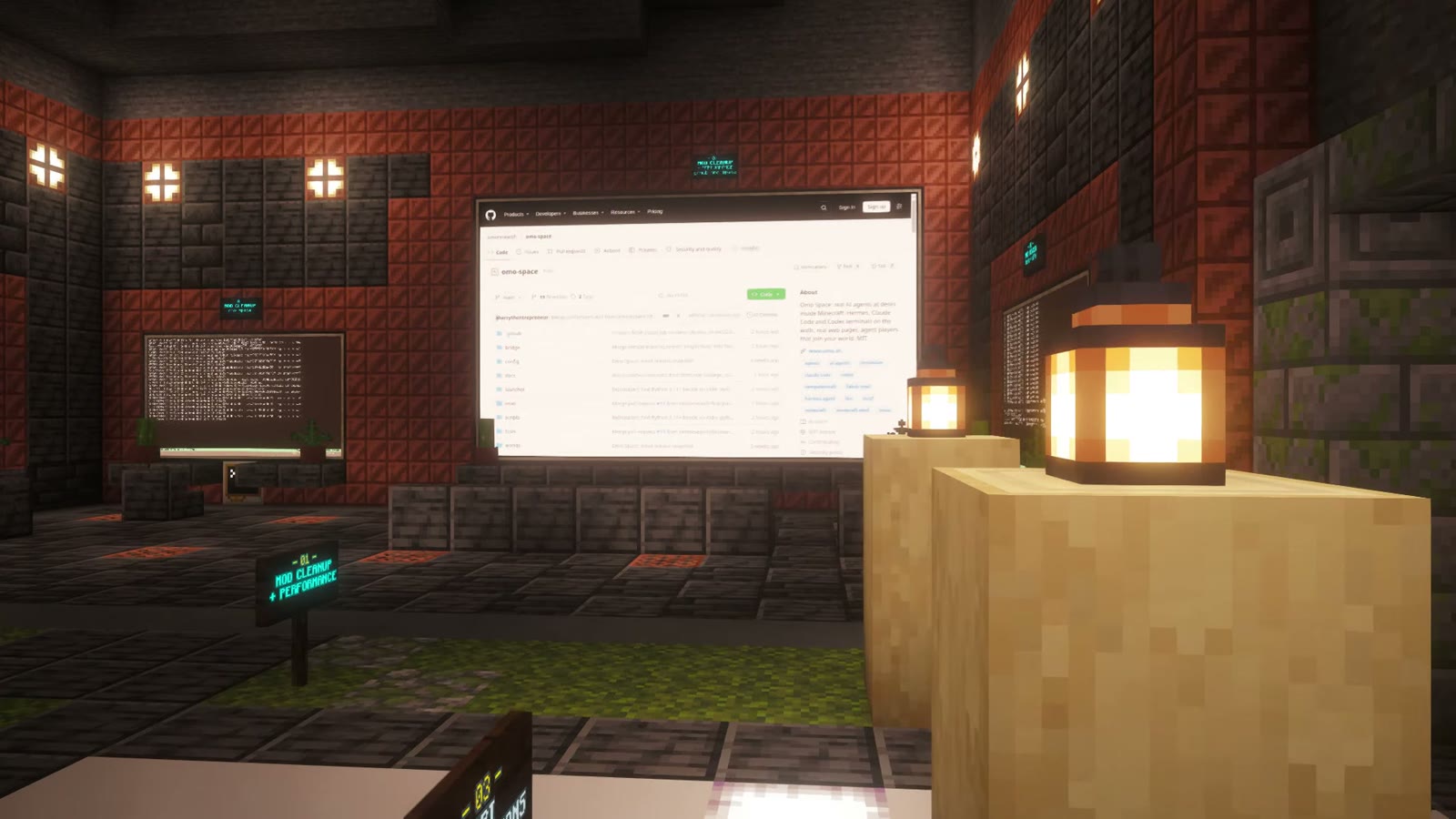
Status lamps show working, idle or interrupted. You see who needs you without opening anything.
“Every light that you see in there is an agent still working.”Stream, 28 Oct
One room per stage or team, so the shape of the work is visible to everyone who walks in.
“We just go to that room and just start building. And when we’re done, then we just leave that room.”Stream, 25 Oct
“So it’s like I’m spatially aware of my workspace. … It’s not a chat window, it’s an interface.”First night of streaming the studio · 25 Oct 2026
05 / How we use it
Before we offer this to anyone, we use it ourselves. Our whole content studio is a row of rooms in one world. Each room is one stage, with its own agent profile and its own screens.
After the PC had been off overnight, the world was exactly where we left it, and agents had edited 22 clips while we slept. I’m not dreading any pain or context loss.
Each piece of work moves from room to room. A video went through all five production rooms before a person saw it; the human’s job shrinks to reviewing and approving.
Lamps outside each room show the state of the whole team from the doorway: working, idle or interrupted.
Nobody places these blocks by hand. Our underground base and a robotics lab were each built by an agent from one prompt, live on stream. Was done in one shot. One prompt.
An agent player, Omo R1, joins the same world. You speak, a Hermes agent plans the job, and his body does it with 22 tools.
06 / What runs at the desks
Omo Space does not replace your agents. Every desk runs the real tool on a real machine, with your own model access.
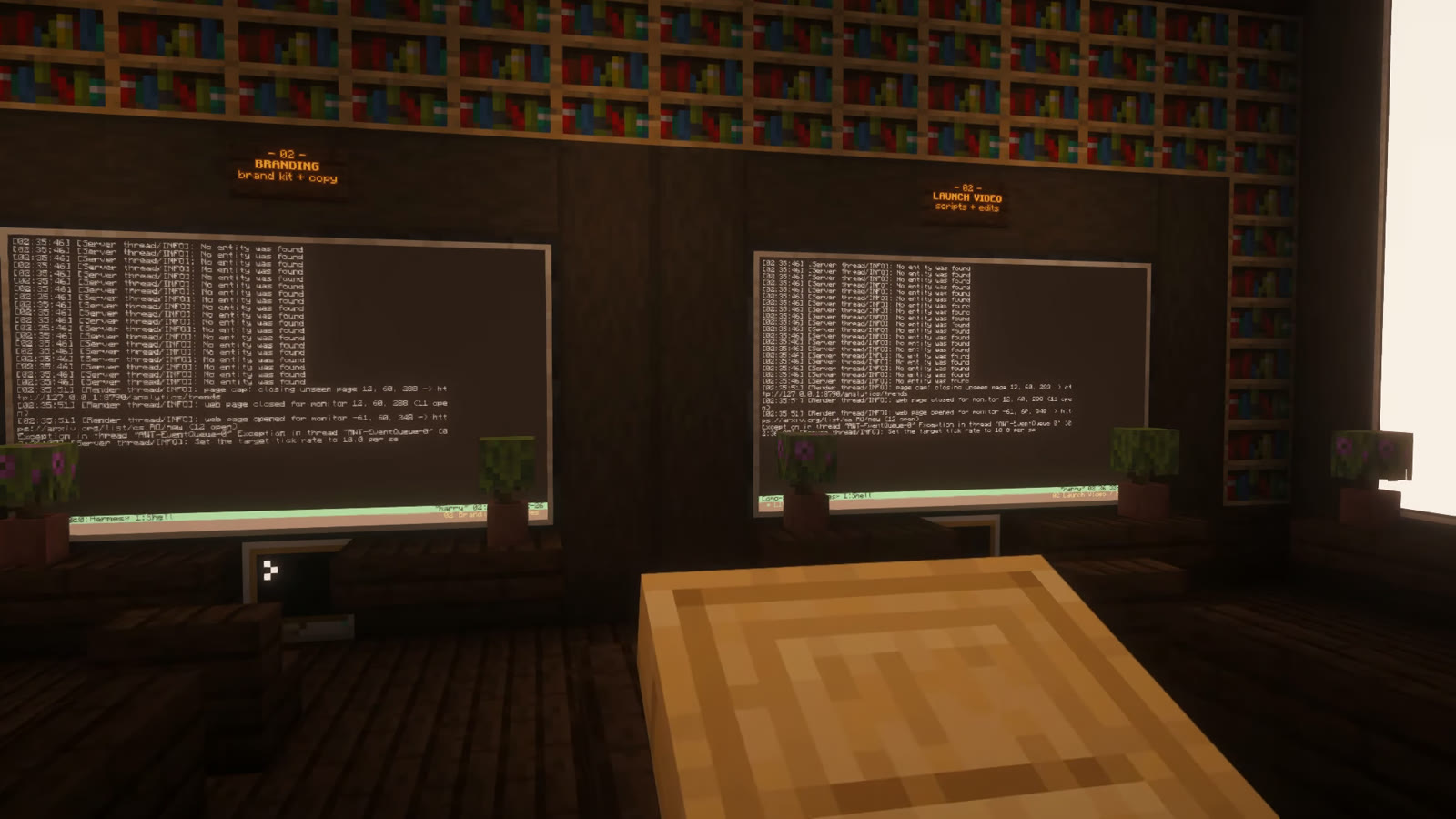
Any desk can run Hermes Agent, Claude Code, Codex or a plain shell. Each Hermes desk can have its own profile, memory and skills.
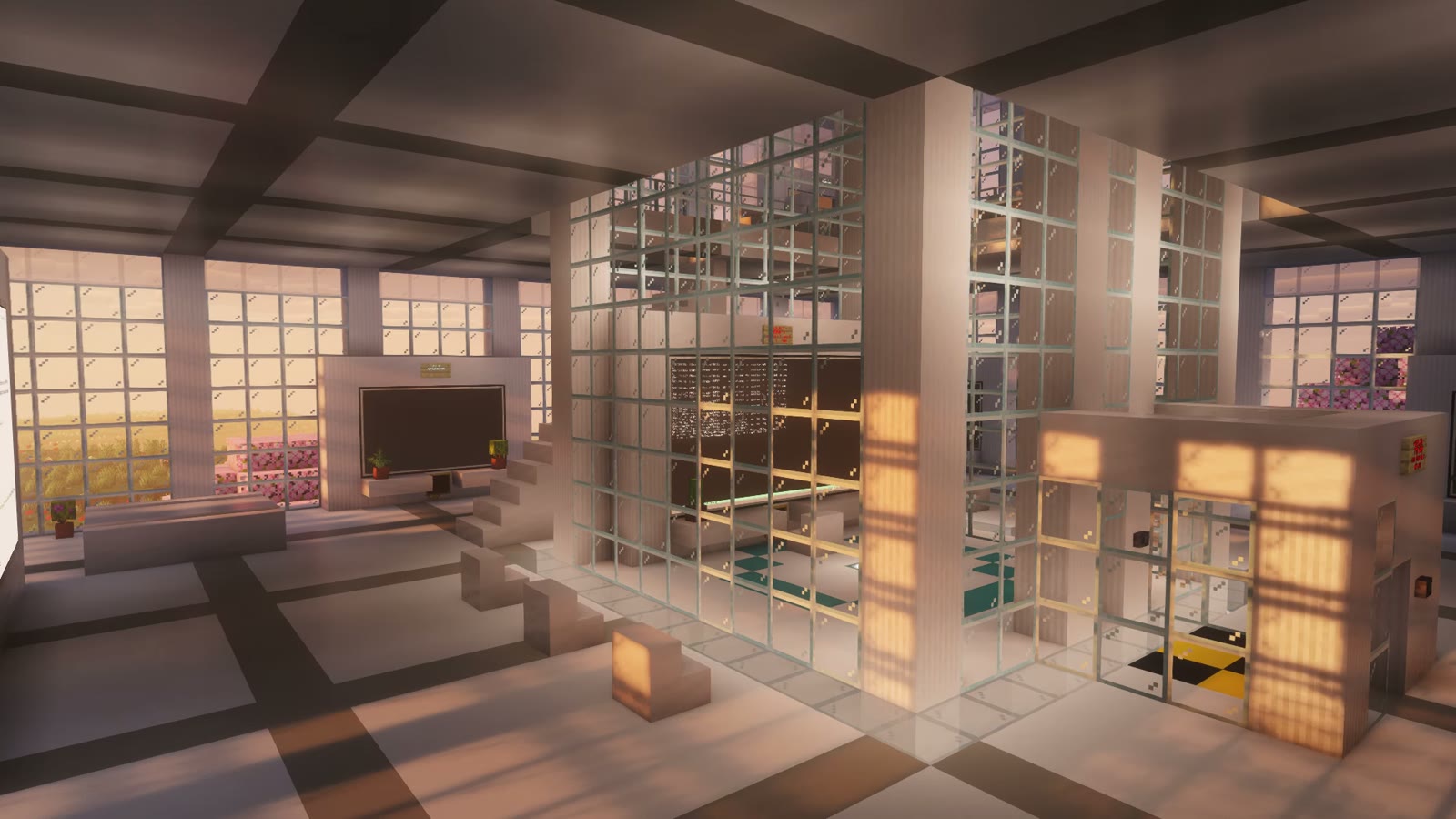
Work keeps running when the screen closes, the game quits or the bridge restarts. After a reboot, desks reopen their tabs; nothing re-runs on its own.
A name readable across the room, and a lamp that is lit while the agent works. The same signal can drive anything else in the world.
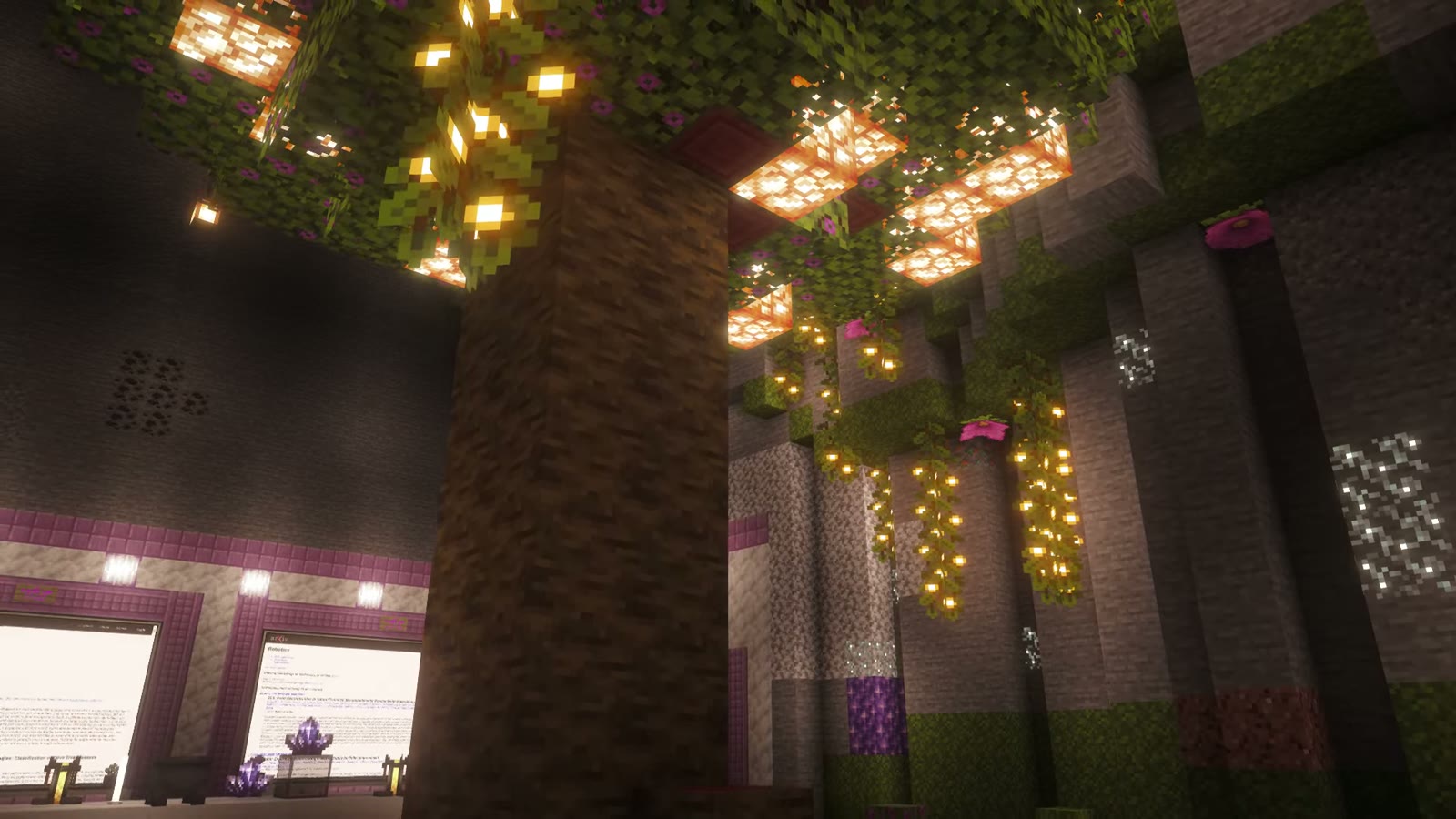
Real browser pages for dashboards, docs and video, up to 12 in a world, each with its own tabs and sound.
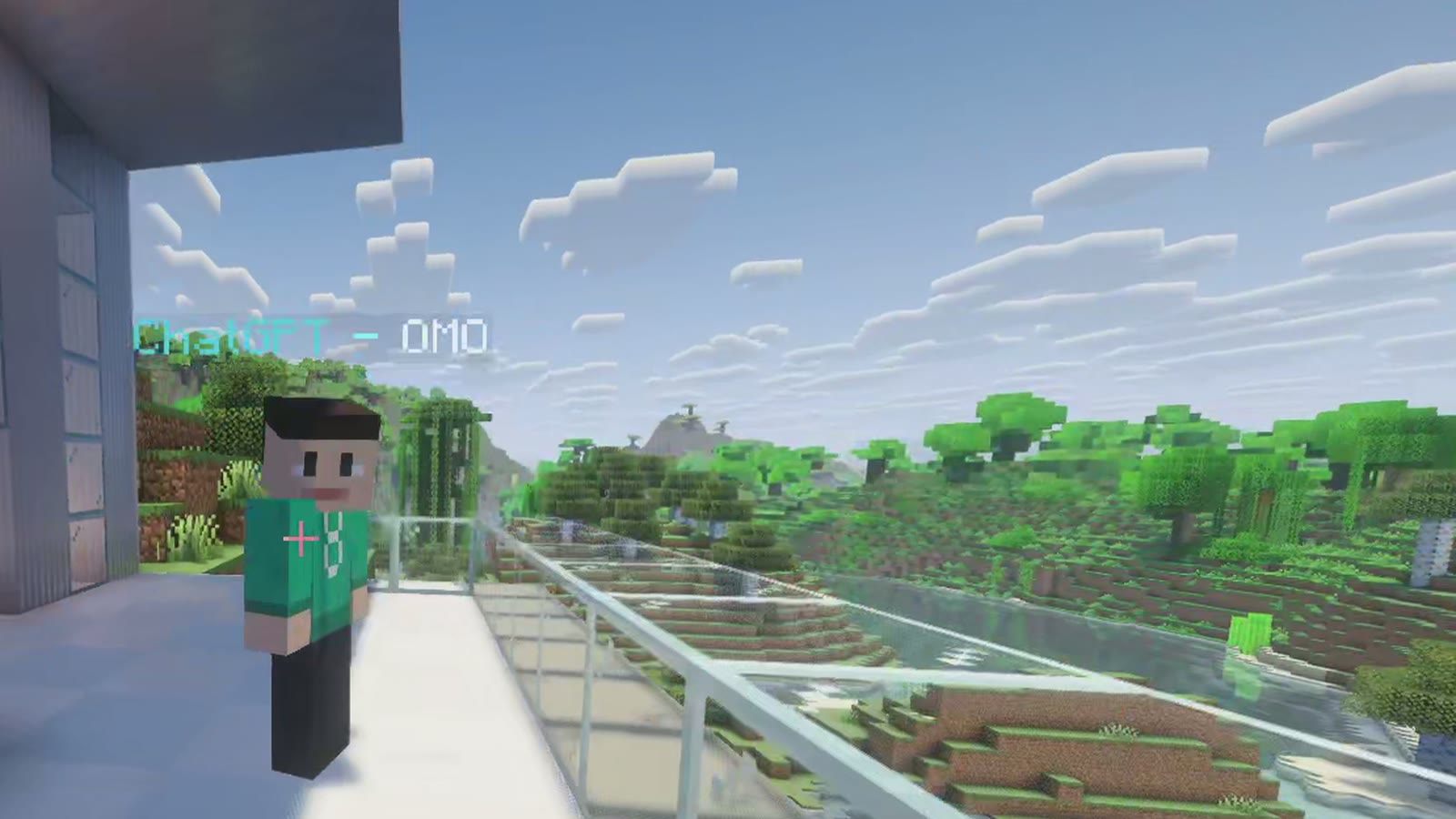
Agents on the same computer can join as players. Omo R1 takes spoken requests and acts in the world.
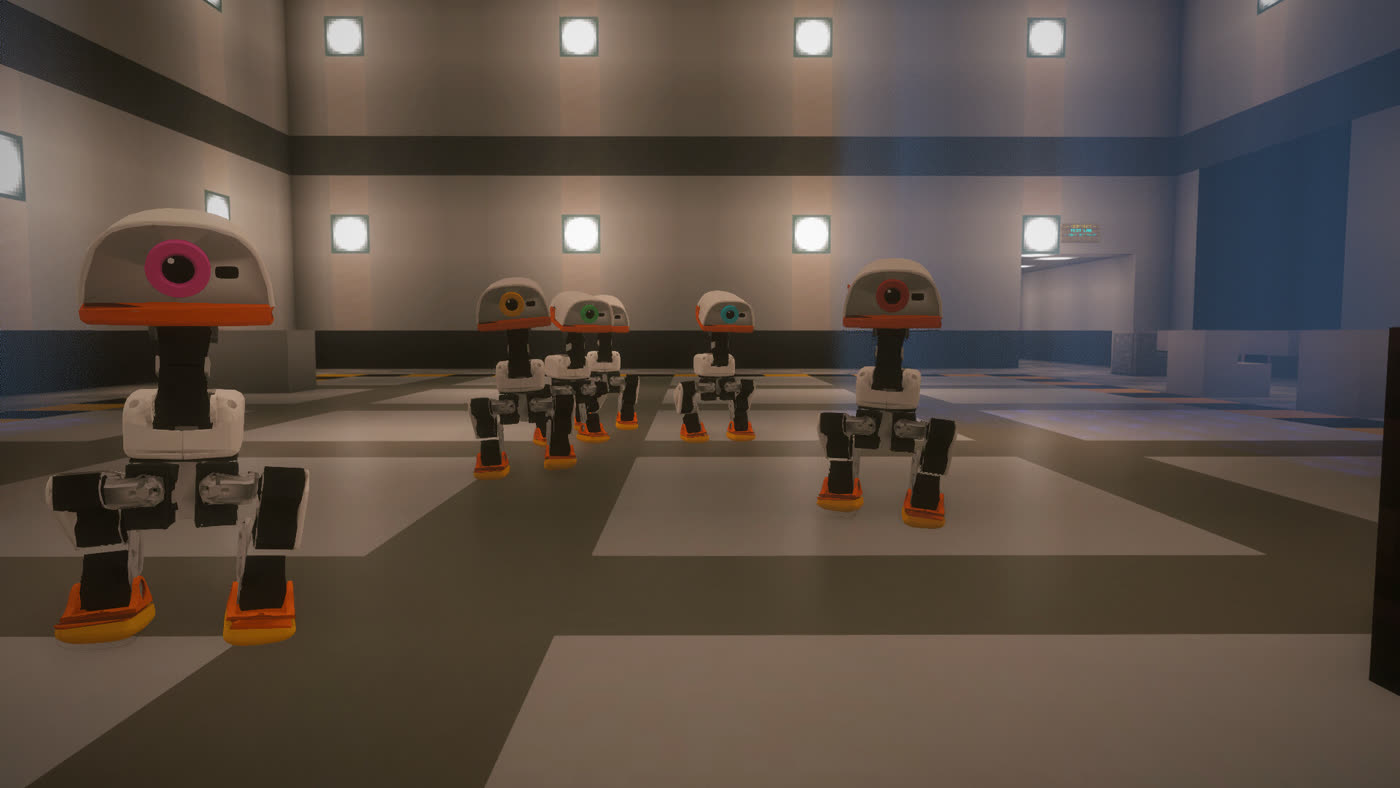
Open-source robots simulated with real physics walk on the blocks and come when called by voice. Early research, not a product.
07 / It travels
A builder new to Hermes, working on Windows, set up his own world from the public repository and built an AI office in about a day, barely troubleshooting along the way. Unprompted, he said watching agents in a world was more fun than watching an AI type in a terminal.
“It just gave Claude the GitHub.”Second user, on stream · self-reported
08 / Built on research
People remember where things are long after they forget names. Earlier systems arranged documents and windows, which sit still. We arrange agents that keep working, change state and ask questions while you are somewhere else.
Sources and method in Rooms, Not Windows: seven stream recordings, about 29 hours, 791 quotes each checked word for word against the transcripts.
09 / What broke
Five days of real use also broke things, on camera. Each failure is a design requirement, and each one shapes how we would run a pilot with you.
| What happened | In our studio | What it means for a pilot |
|---|---|---|
| The 3D view crashed | Game crashes and two whole-PC freezes. The agent sessions survived; the 3D client often did not. | The work always lives outside the view. A crash costs you the picture, never the work. |
| A question was missed | An agent asked something and nothing told the builder. A lamp in another room is not a notification. | Urgent questions need a backup that follows the person: a sound, a message, an alert. |
| Who is listening? | With several voice agents in range, it was unclear which one was being spoken to. | Voice needs a clear rule for who is addressed before teams share a space. |
| Trust | The second user would not use it at his day job, because an agent could delete a database. | Permissions and review come before shared, multi-user spaces. |
| More is not better | A challenge to post 20 short videos in 100 minutes posted none. | We measure the value of the work, not the volume of agents. |
10 / Working with us
We work with a small number of organisations at a time. Each engagement starts from the work your people already do with agents, not from a demo.
We sit with one team and map how their agents run today: how many, which tools, where things get lost and who waits on whom.
We design a space around that workflow: a room per stage or role, status everyone can see, and the agents your team already uses.
Your team uses it for real work. We write up what changed and what did not, in plain language, before anyone decides on more.
In the space versus your current tabs, at the number of agents your team really runs.
After a break or a day away, how long until the first useful action.
How long an agent waits on a question before someone sees it.
These are the tests proposed in our working paper. A pilot is how we find out whether the effect holds for your teams, or not.
11 / Where it fits
12 / Security and honesty
Our motto is questions before claims. Here is the plain version, so nobody is surprised in a security review.
13 / Talk to us
A short form. We read every request ourselves and reply with a time to talk, or an honest note if we are not the right fit yet.
Questions
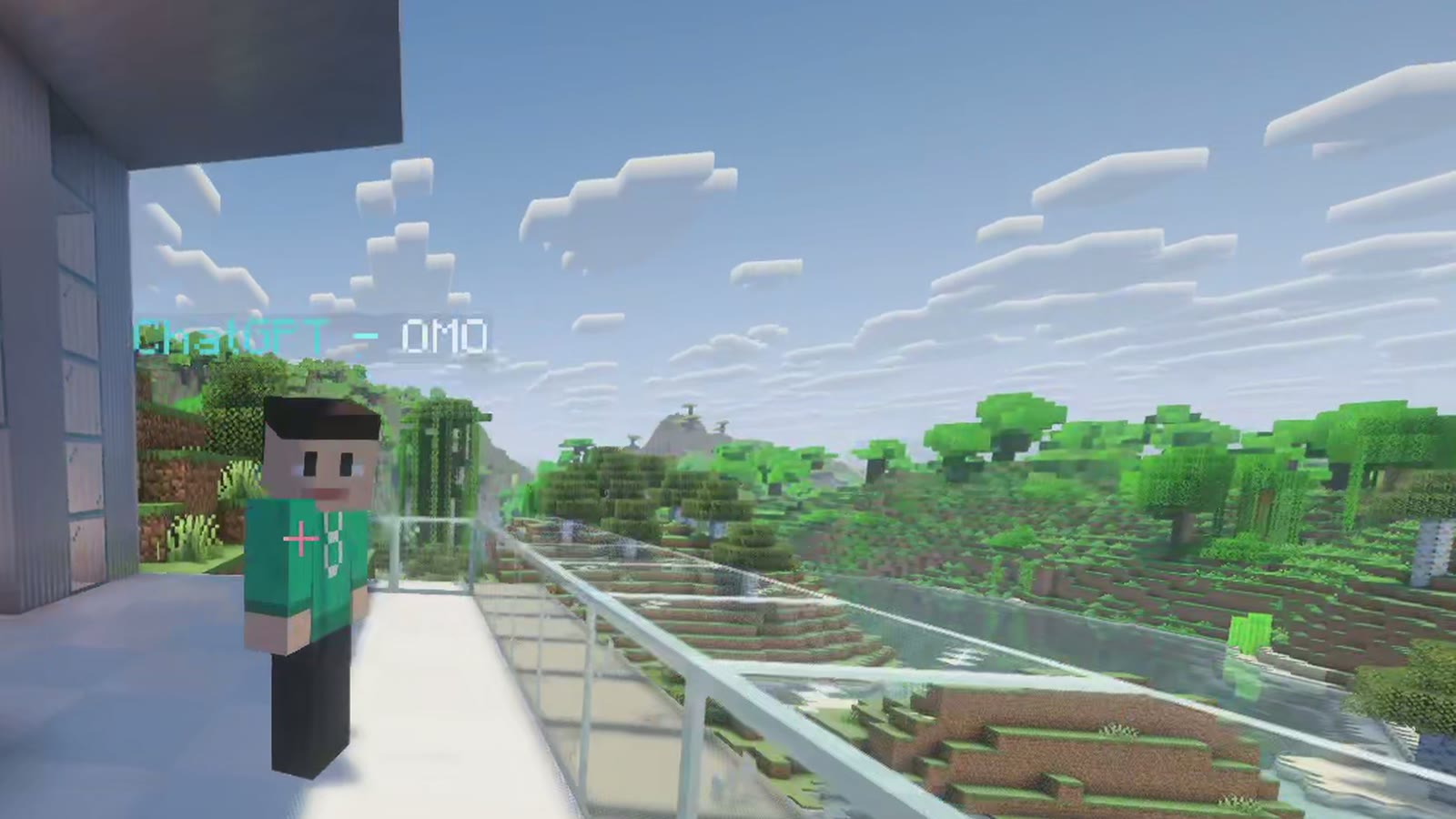
No game skills are needed. You walk, look and type. Today's system uses Minecraft as the view because it is a fast way to build and walk through spaces, and agents can build it for you. What we study is the interface: places, presence and status, not the game.
It is already multiplayer, already buildable and familiar to a generation of people, and the world itself can be written by agents, which earlier 3D desktops could not do. The cost is a client that is heavier and less reliable than a terminal, which is why the work never lives inside it.
Any desk can run Hermes Agent, Claude Code, Codex or a plain shell. They are the real tools, running on your machine, with your own model access.
No. Your agents, repositories and dashboards stay where they are. The space is a way to see and reach them; web walls can show the dashboards you already use.
No. The open-source system runs on your machine and talks to nothing of ours. If we work together on a pilot, what we see is agreed with you first.
The core is free and open source. Pilots are scoped per organisation after a first conversation.
Your teams now run dozens. Let's find out together what a place does for them.