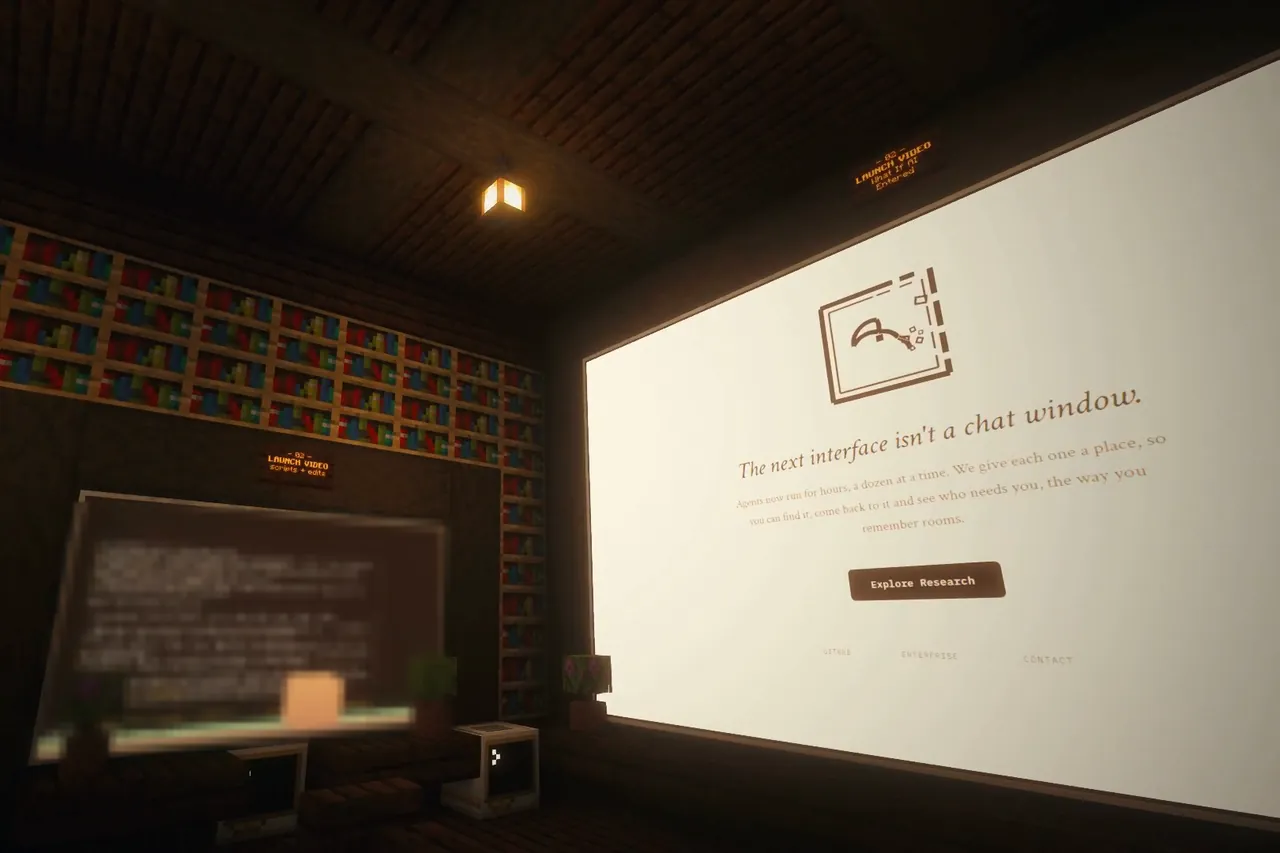
A desk for every profile
hermes omo world reads your profiles and builds Hermes HQ, a cavern hall with an Omo Computer for each profile and its name on a plate.
Hermes pluginv0.1.0 release candidate
Every Hermes profile gets a desk in your Omo Space world. A Hermes Board on the wall shows what each session is doing, and agents can send you a notice while you play.
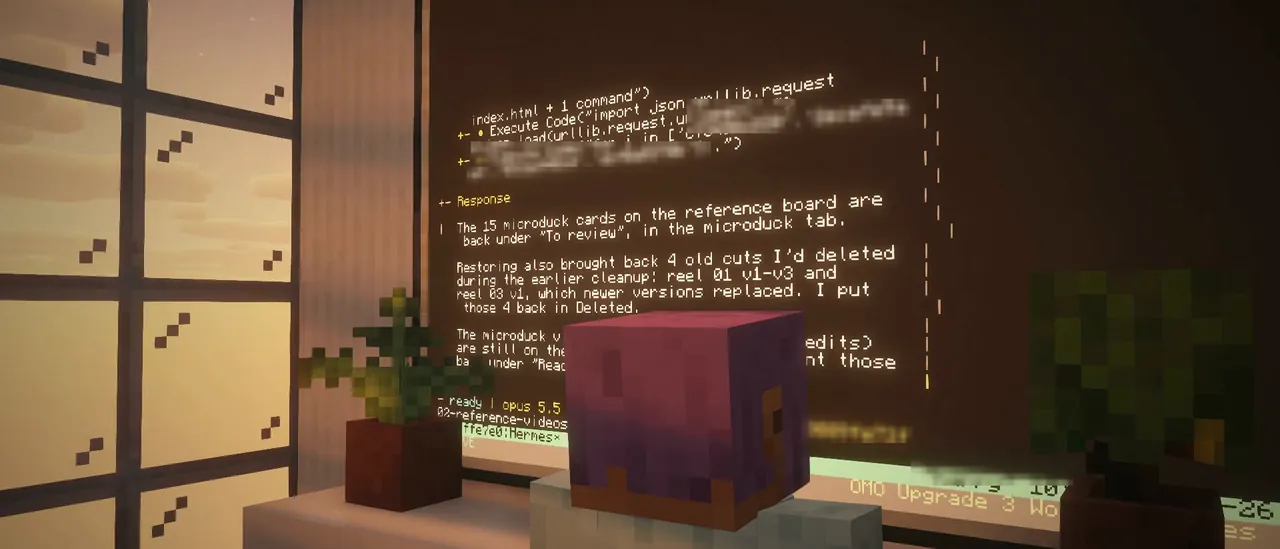
Where it stands. The plugin is a release candidate and its repository is not public yet. Desks, status lamps and the Board wall work with Omo Space today. Hermes activity on the Board and in-game notices come in the next Omo Space release (pull request #40).
At a glance
hermes omo world reads your profiles and builds Hermes HQ, a cavern hall with an Omo Computer for each profile and its name on a plate.
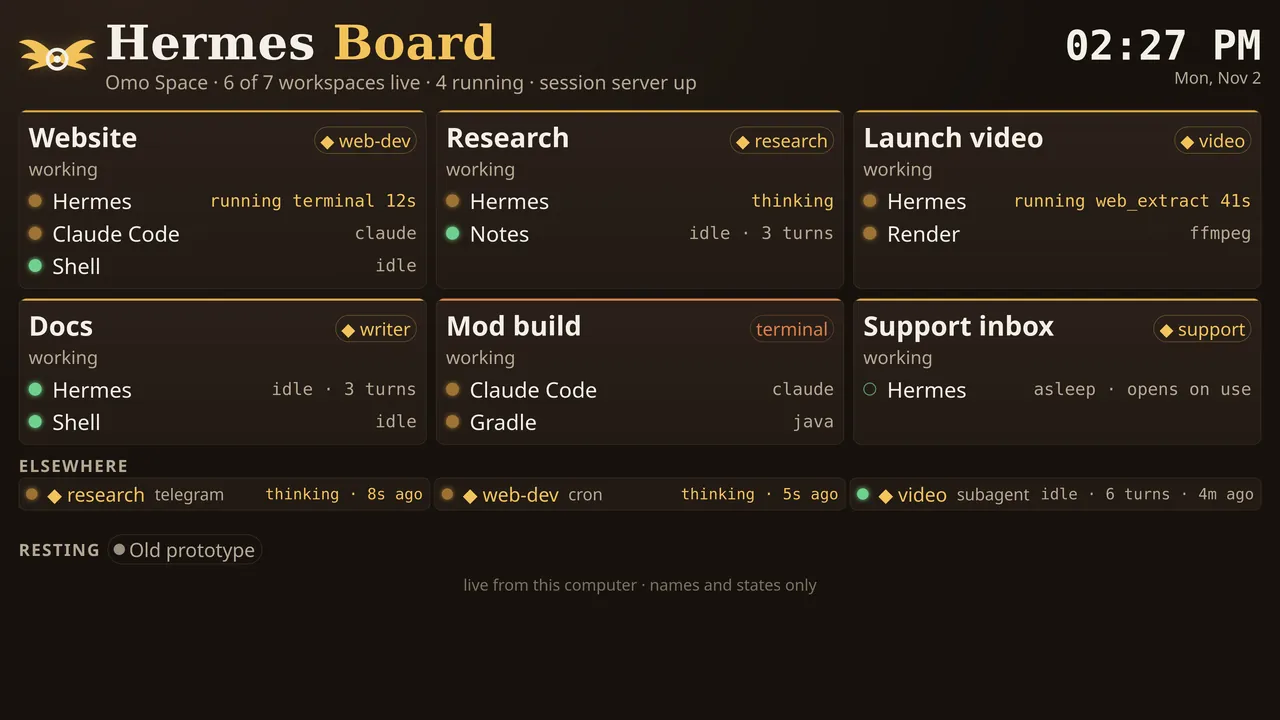
CLI, Telegram, cron jobs, subagents: what each agent is doing right now, on a wall in the hall. Status only, never what you said.
An agent sends you a short note with omo_notify. It shows in the corner of your screen for a few seconds.
Setup
For people who already run Hermes (0.22.3 or newer). The plugin asks before it changes anything.
Use the Omo Space app, which sets up Minecraft, the mods and the bridge for you. Omo Space install steps
Or, with CurseForge, the Modrinth App or Prism: add the Omo Space mod to an instance, then install only the bridge
bash install.sh --bridge-only omo-space-1.3.0-linux-x64.tar.gzNew in Omo Space v1.3 (Linux and macOS); downloads and checksums are in the Omo Space install guide. It links every instance that has the mod; for one you add later, run omo-space-link --game-dir "<instance folder>".
Coming soon One line, once the repository is public:
hermes plugins install omoresearch/hermes-omo-space --enableToday, if you have the plugin folder
cp -r omo-space ~/.hermes/plugins/omo-space
hermes plugins enable omo-space
For another profile: ~/.hermes/profiles/<profile>/plugins/ and hermes -p <profile> plugins enable omo-space.
hermes omo setupIt finds your Omo bridge, shows which profiles have the plugin on and prints the exact commands for the rest. --enable-all runs them after one y/N prompt.
Terminal
hermes omo world --install "Omo World"In game, standing in an open, flat area
/reload
/function hermes_hq:build
Then right-click each desk once to open it. /function hermes_hq:preview first shows the outline. A world in a CurseForge or Modrinth instance: add --saves-dir "<instance folder>/saves".
That's it. Chat with Hermes anywhere: the CLI, Telegram, a desk in the world.
In the world
works with Omo Space todaynext Omo Space release
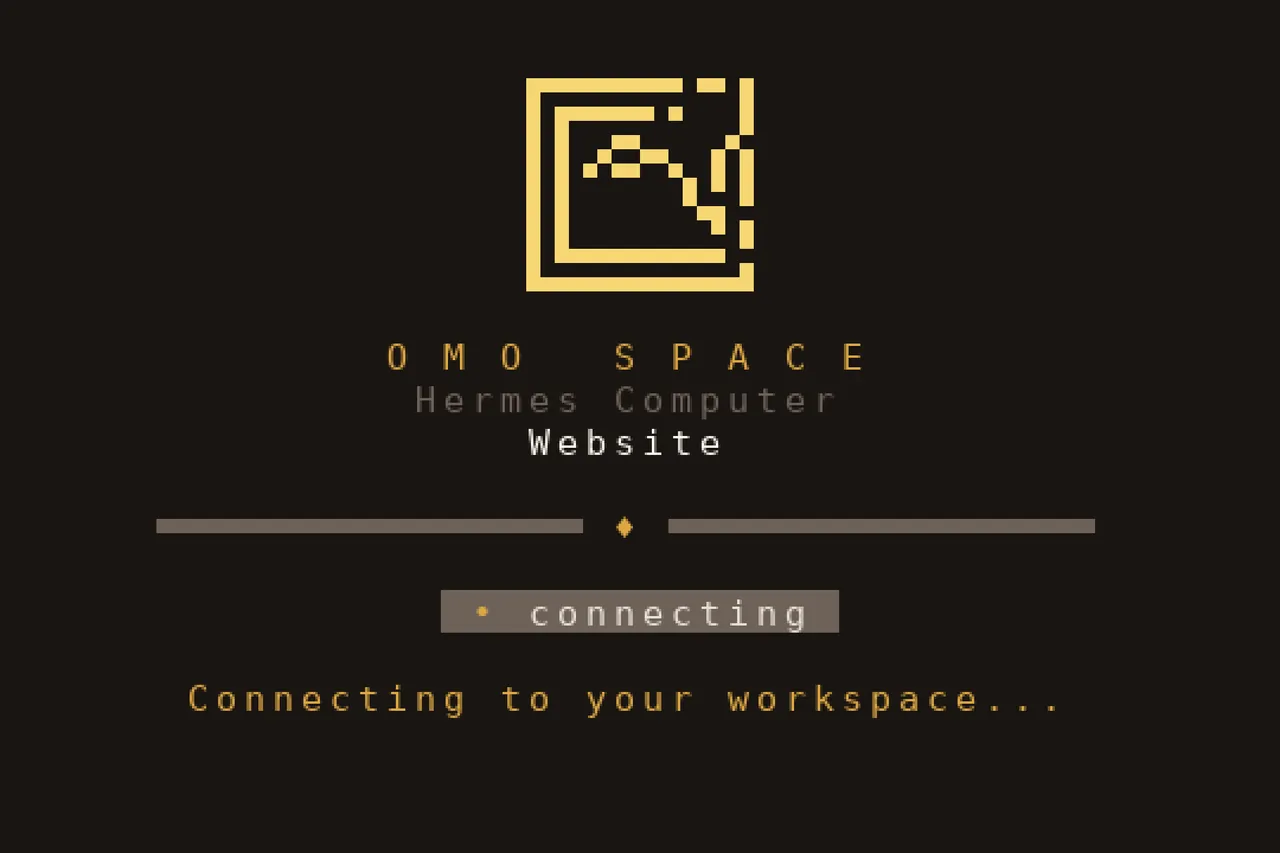
One per profile, its name on a plate. Opening a desk starts Hermes in that profile, and the work keeps running when you walk away.
A desk's lamp glows gold while its agent works and green when it is idle, so you can see from across the hall who is busy.
Before a desk connects, its screen shows the Omo Space title card with the omo.sh mark and what it is doing: connecting, offline, ended.
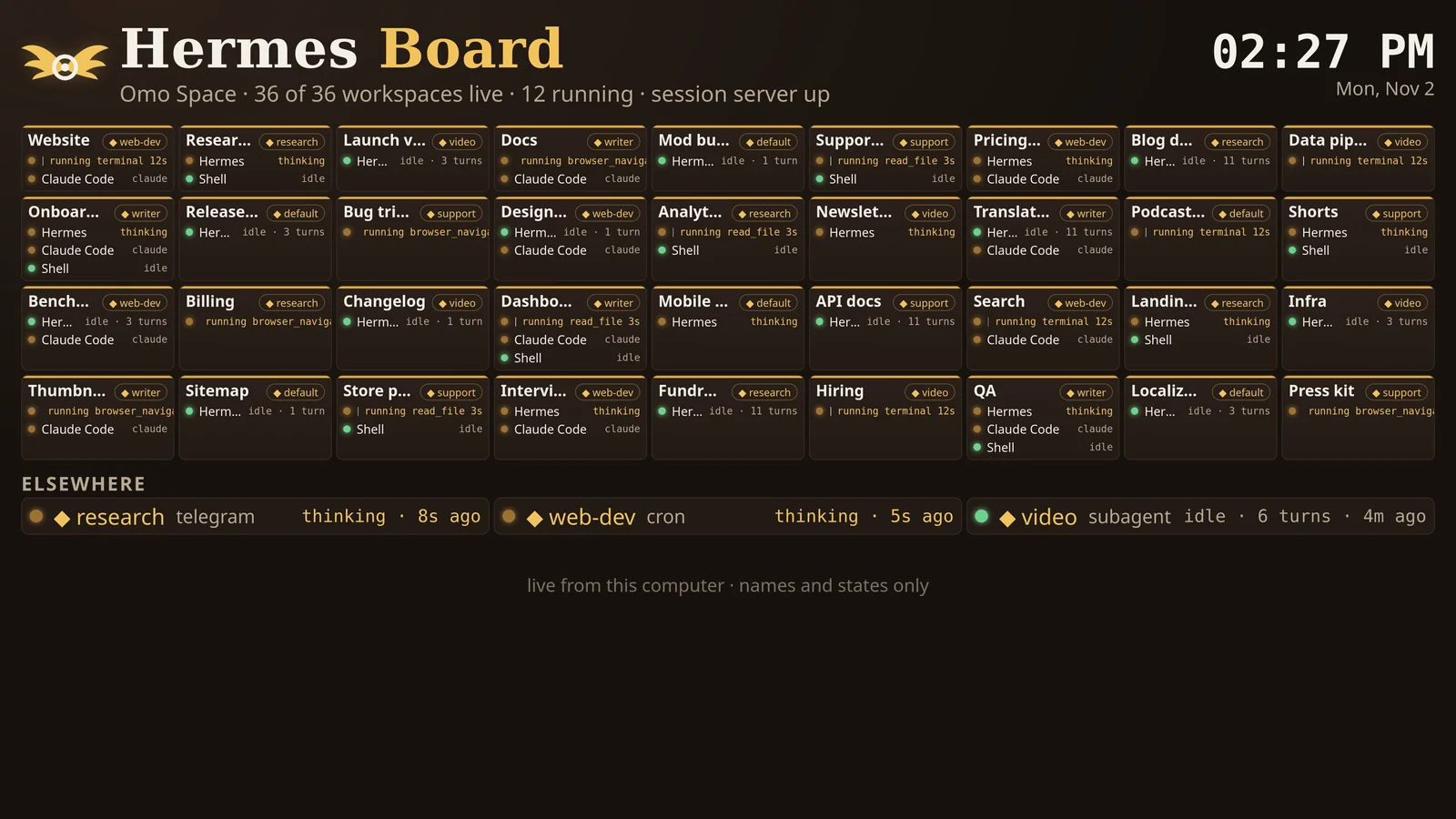
Every desk says what its agent is doing: thinking, running terminal 12s, idle · 14 turns. Past 24 live desks it switches to small cards, so one wall still shows them all.

Sessions with no desk are listed with where they run: a Telegram chat, a cron job, a plain terminal, a subagent.
When an agent calls omo_notify, a card shows top left for about five seconds, the profile name in gold, up to three at once. Only on your own screen, and only when no screen is open in game.
/omonotices off/omonotices on/omonotices testFor your agents
omo_statusomo_notify{text, level?} with level info, success or warn. At most 140 characters; anything that looks like a secret is masked./omoBoth tools are in the toolset omo. Turn on notify_on_finish and the plugin also sends a notice when a turn that took more than a minute ends.
Privacy
Nothing leaves your computer. The plugin keeps a small activity log that your own Omo Space reads.
omo_notify text, capped and with secrets masked.OMO_BOARD_MESSAGES=1./omonotices off hides them.GET /health and GET /board.json to your Omo bridge on 127.0.0.1. Other addresses are refused; hooks never touch the network..env, auth.json, state.db, logs or session files, starts no threads or daemons, and never approves or blocks a tool.hermes omo setup runs commands only after a y/N prompt that defaults to No.Reference
Captured on our machine on 2 November 2026 in a throwaway profile, omo-plugin-test. Home paths are shortened to ~, the profile list is trimmed, session ids are shortened and long lines are wrapped.
hermes omo status The doctor. This machine still runs an older bridge, and it says so.
$ hermes omo status
Omo Space doctor (profile: omo-plugin-test)
  bridge      reachable at http://127.0.0.1:8781 (Omo bridge v1.1.0, 112 workspaces, 81 live)
  feed        enabled, writing to ~/.hermes/profiles/omo-plugin-test/plugin-data/agent-plugin-omo-space-d135e42c/feed
  marker      omo-feed.json present (plugin 0.1.0)
  last event  19h ago (session_end)
  profiles    omo-plugin-test
Next step: Your Omo bridge (v1.1.0) predates Hermes feed support: desks, lamps and the Board
wall work, but the Board shows no Hermes activity and no HUD notices arrive, although this
profile's feed is written. Those need the bridge from omoresearch/omo-space PR #40, coming in
the next Omo Space release; update Omo Space then and check again.
hermes omo setup
$ hermes omo setup --non-interactive
Omo Space setup (profile: omo-plugin-test)
  [ok] Omo Space data dir ~/.local/share/omo
  [ok] Omo bridge yours at http://127.0.0.1:8781 (v1.1.0, found via service file)
  [--] this bridge does not read Hermes feeds yet: desks and the Board wall work; Board
       activity and HUD notices need the bridge from omoresearch/omo-space PR #40, coming
       in the next Omo Space release
  [ok] this profile's bridge_url resolves to http://127.0.0.1:8781
  [ok] 1 of 50 Hermes profiles have omo-space enabled
         default                    not installed
         01-branding-submission     not installed
         … 47 more profiles …
         omo-plugin-test            enabled  (feed seen)
  [!!] worlds in ~/.local/share/omo/runtime/game/saves: Omo Workshop, Omo World
Next steps (copy and run; `hermes omo setup --enable-all` runs the enable commands after a prompt):
  1. hermes -p default plugins install https://github.com/omoresearch/hermes-omo-space --enable
  …
  8. hermes omo world --install "<World>"
  9. then in game: /reload, /function hermes_hq:preview, /function hermes_hq:build, and
     right-click each desk once to open it
hermes omo world --dry-run
$ hermes omo world --dry-run --profiles default,lf-01-ideas,yt-03-editing,omo-plugin-test
Board wall -> http://127.0.0.1:8781/board (this profile's bridge_url; override with --bridge-port)
Hermes root: ~/.hermes
4 profiles:
  default
      model claude-opus-5-5 | 87 skills | 0 cron jobs | platforms photon | 0 plugins
  lf-01-ideas - Long-form room 01: turns the user's streams and recordings…
      model claude-opus-5-5 | 82 skills | 1 cron jobs | platforms - | 1 plugins
  omo-plugin-test - Throwaway test profile for the omo-space plugin (safe to de…
      model claude-opus-5-5 | 85 skills | 0 cron jobs | platforms - | 2 plugins
  yt-03-editing - YT room 03: goal-mode edits each long-form video exactly to…
      model claude-opus-5-5 | 62 skills | 0 cron jobs | platforms - | 1 plugins
Hermes HQ: 4 desks in 1 themed bay round a cavern garden [agents (4)], hall 49 x 25 x 61
(W x H x D) toward +Z; Board wall -> http://127.0.0.1:8781/board
hermes omo feed Everything the plugin records. The quoted text is the one exception, a message the agent chose to send.
$ hermes omo feed -n 8
18:46:36  omo-plugin-test local-e80c… tool_end         tool=tool_describe duration_ms=26 ok=True
18:46:38  omo-plugin-test local-e80c… tool_start       tool=omo_status
18:46:38  omo-plugin-test local-e80c… tool_end         tool=omo_status duration_ms=145 ok=True
18:46:40  omo-plugin-test local-e80c… tool_start       tool=omo_notify
18:46:40  omo-plugin-test local-e80c… notify           level=success "Hermes HQ e2e: terminal step done"
18:46:40  omo-plugin-test local-e80c… tool_end         tool=omo_notify duration_ms=25 ok=True
18:46:41  omo-plugin-test local-e80c… turn_end         duration_ms=28371 ok=True interrupted=False
18:46:42 omo-plugin-test local-e80c… session_end interrupted=Falsehermes omo setup [--enable-all] [--non-interactive] [--json]hermes omo status [--json]hermes omo feed [-n N] [--json] [--follow]hermes omo world [--install [WORLD] | --out DIR | --zip] [--list-worlds] [--dry-run]--install writes only <world>/datapacks/hermes_hq/ and needs --force to replace it; --saves-dir points it at another launcher's saves folder. --profiles, --exclude and --max-desks (48 by default) choose the desks; --bridge-port sets the Board wall's port./function hermes_hq:info · /function hermes_hq:clearPlugin settings live in plugins.entries.omo-space.settings and are read live: no restart needed.
feed on by defaultbridge_url empty by defaulthttp://127.0.0.1:$OMO_PORT, or port 8780.notify_on_finish off by defaulthermes config set plugins.entries.omo-space.settings.notify_on_finish trueOn the Omo Space side (next release): OMO_BOARD_MESSAGES=1 in the bridge service's environment puts notice text on the Board; hermesNotices=false in config/omolife-client.properties turns notices off for good.
hermes omo feed has eventshermes omo status says so. That support comes in the next Omo Space release.hermes omo setup lists them), or feed is set to false.OMO_BOARD_MESSAGES=1./omonotices on; /omonotices test shows one. Notices only draw when no screen is open, and need the next Omo Space release.hermes omo status says the bridge is not yourshermes omo setup finds yours, or set bridge_url to http://127.0.0.1:<port>.hermes plugins disable omo-space, then hermes plugins enable omo-space.world --install says the datapack already exists--force; only <world>/datapacks/hermes_hq/ is replaced. Then /reload in game.hermes plugins validate and hermes plugins doctor on 0.22.5.--bridge-only, omo-space-link) and the two-block creative menu (Omo Computer, Omo Monitor) are Omo Space v1.3; the current download on GitHub is v1.2.0. Tested on Linux; the plugin itself is stdlib-only Python 3.11+.Not an official Minecraft product. Not approved by or associated with Mojang or Microsoft. Minecraft is a trademark of Mojang/Microsoft. Hermes Agent is by Nous Research; this plugin is by Omo Research and is not made or endorsed by Nous Research.