Omo Research · Whitepaper · October 2026
Worlds, Not Windows
Spatially aware creative agentic interfaces — findings so far
Findings so far from daily use, live on stream, 25–29 October 2026. Not a controlled experiment.
01The problem
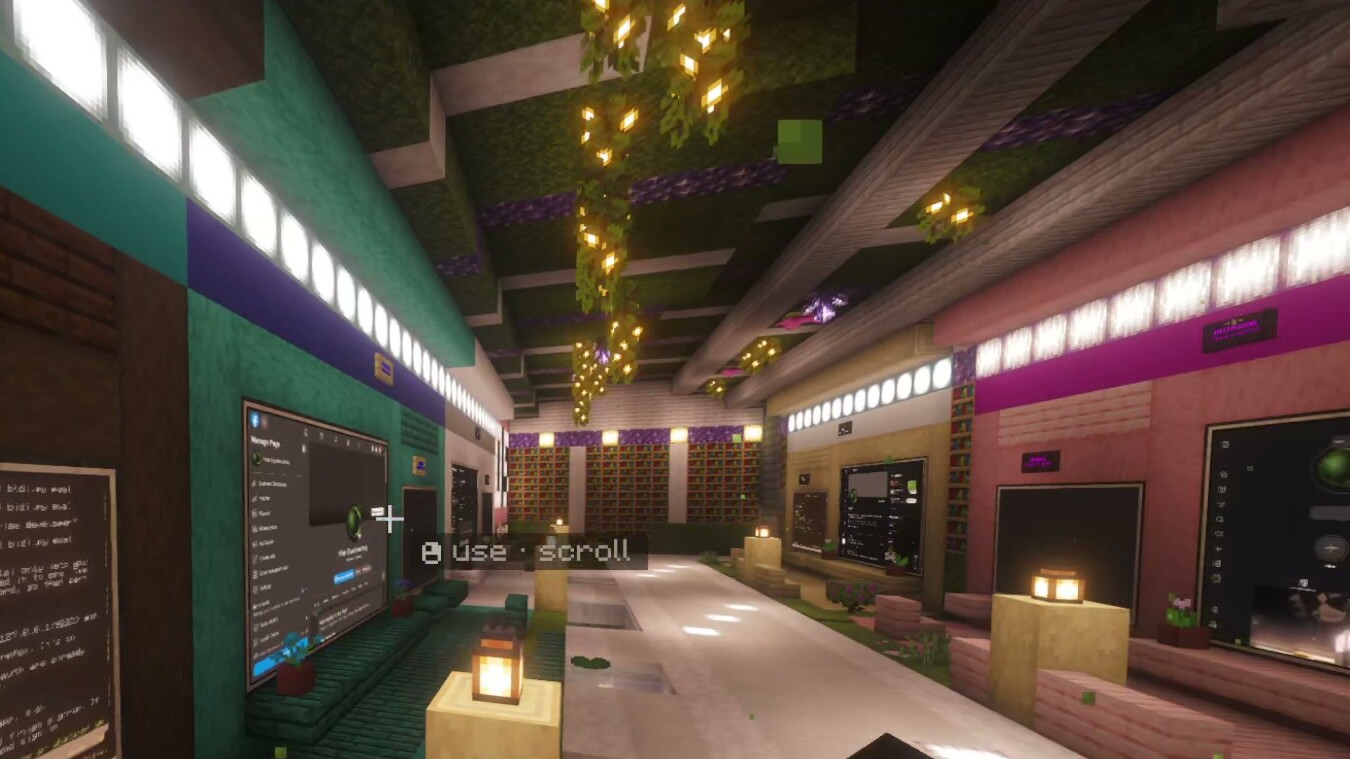
AI agents now run for hours, many at once, and tabs can’t keep track of them. They write code, cut video, draft posts and wait for approval.
Most of us still manage them in chat windows and terminal tabs. That works for one agent, or even three. With twenty, you lose track. Which one is busy? Which finished an hour ago? Which is stuck, waiting for you?
A tab looks the same whether its agent is working, done or blocked. You find out by clicking through, one by one.
On our first night streaming, Harrison put the alternative like this:
“So it’s like I’m spatially aware of my workspace. … It’s not a chat window, it’s an interface.” [T1, 00:38:33–00:38:50, live]
02The idea: worlds, not windows
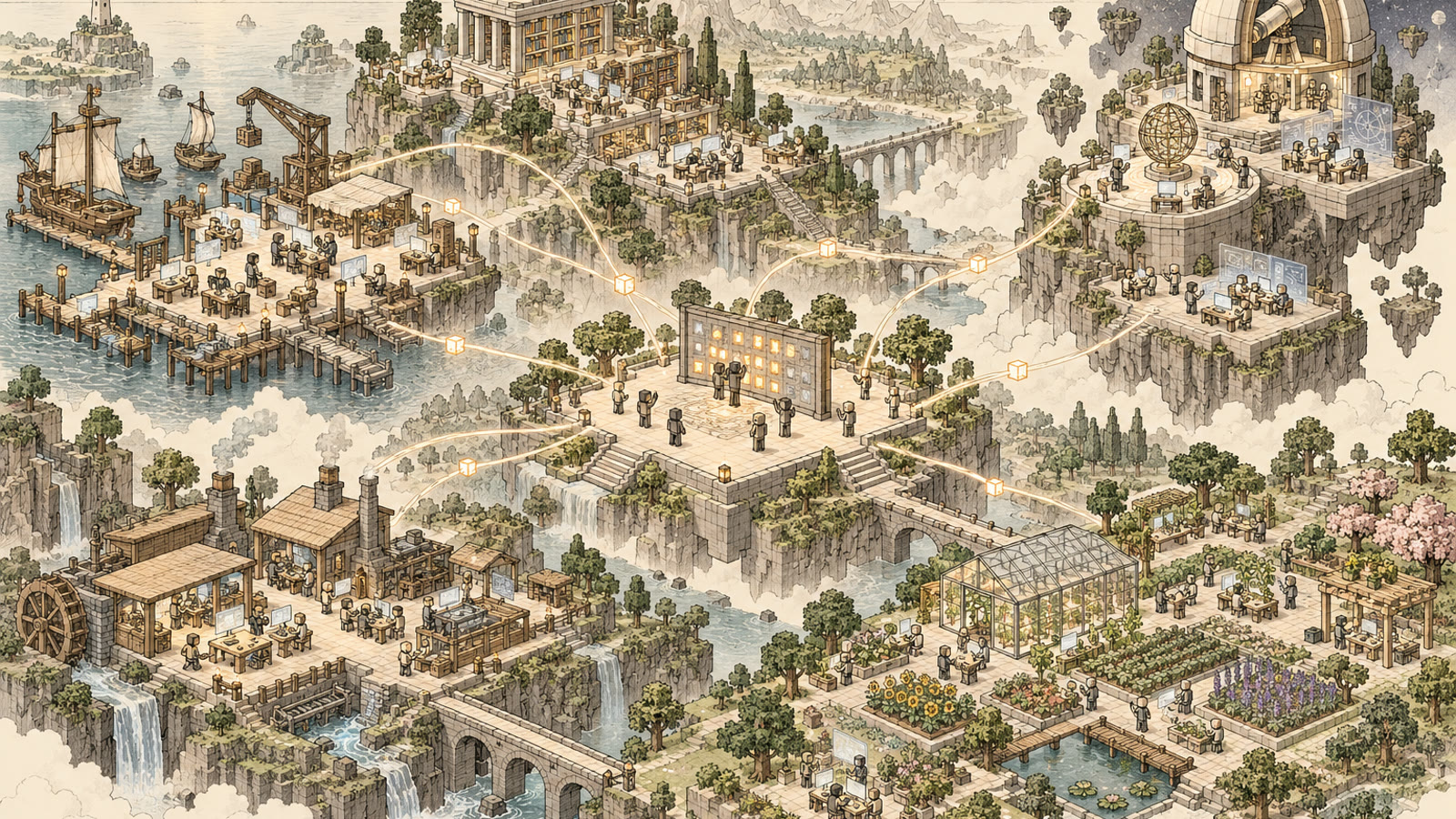
Our idea is simple: give agent work a place you can walk to, not a tab or a window.
People are good at remembering where things are. We know which room the books are in. We forget that the video agent was the seventh tab from the left. So each agent session gets a place in a world. It has a screen you can read and a lamp that lights while it works.
Places come in every size, from one room to a whole world. The work picks the shape, not the software.
In Omo Space, coding agents build most places from short requests. So a new room is closer to opening a folder than to building a game level.
03How Omo Space works
Omo Space puts real agent sessions (Hermes Agent and Claude Code) and live web pages on screens inside Minecraft. It is a Fabric mod for Minecraft Java 26.2, plus a small local bridge. The bridge is a helper program that links the game to your computer.
The key choice: the game does not run the agents. Each workspace is a named tmux session on your own computer (tmux keeps terminals running in the background). Each of its tabs runs an agent or a plain shell. The bridge, reachable only from your machine, paints these sessions onto in-world screens and sends your keys back. Minecraft is just the view and the controls.
| In the world | What it is on the computer |
|---|---|
| Hermes Computer | A named workspace whose first tab runs a Hermes agent with its own profile: memory, skills and model |
| Terminal | A workspace tab running a shell or another agent CLI |
| Monitor wall / Slim Screen | A larger view of a tab, or a pinned live web page |
| Linker | Links a screen to a workspace from a distance; several screens can mirror one |
| Status Lamp | Gold if any tab in the workspace is busy, green when idle, red once interrupted, dark with no live workspace |
| Name Plate | The workspace name, readable from across the room |
A place is whatever you build around these objects. Places are just builds: they carry no permissions and run nothing.
What survives what
Because the agents live in tmux, closing things in the game does not stop them. Each Hermes tab is one named conversation, so reopening a screen brings back the same one.
| What happens | Running jobs | Hermes conversation |
|---|---|---|
| Close the screen, walk away | Keep running | Keeps running |
| Quit or crash Minecraft | Keep running | Keeps running |
| Restart the bridge | Keep running | Keeps running |
| Hermes tab idle and unseen 20 min | — | Naps; wakes when shown again |
| Restart the PC | Stopped | Saved; tab shows INTERRUPTED; press Resume |
A PC restart does stop running work, but saved conversations come back with one button. In the documentation’s words, “Nothing is ever re-run without you” [1]. The table shows documented behaviour; pinned web pages are a separate kind of state.
Two things are missing. Lamps show activity but have no waiting for you state. And agents do not pass work to each other through the world.
04What we’ve seen so far
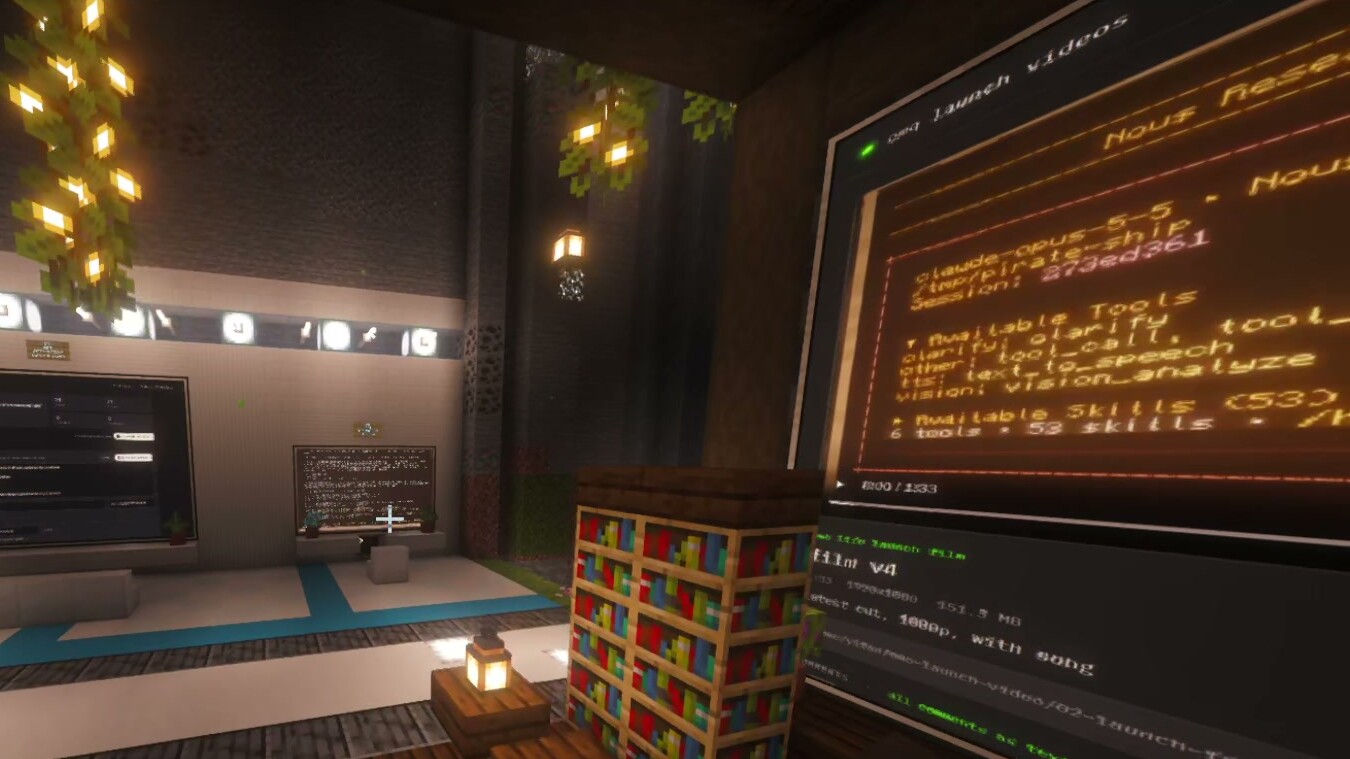
Place helped in four ways: to find, resume, monitor and orchestrate. This comes from Harrison using Omo Space as his main workspace, live on stream, 25–29 October 2026. That is about 29 hours of transcripts. He ran a real content pipeline, roughly one agent per stage, from ideas to analytics. A friend also built his own world with it.
By the numbers
These come from Hermes’ own token counters, across all of Harrison’s agent profiles:
| Day (AEDT) | Tokens | Model calls | Agent profiles |
|---|---|---|---|
| Sat 25 Oct | 0.09 bn | 970 | 3 |
| Sun 26 Oct | 0.63 bn | 5,004 | 9 |
| Mon 27 Oct | 0.56 bn | 3,989 | 9 |
| Tue 28 Oct | 4.17 bn | 25,386 | 11 |
| Wed 29 Oct | 1.61 bn | 7,808 | 12 |
| Five days | 7.07 bn | 43,157 | |
| Thu 30 Oct | 4.67 bn | 21,050 | 20 |
That is about 7 billion tokens in five days, and over 4 billion on 28 October alone. Most of it (96%) is agents re-reading long conversations from the prompt cache, a store of text the model has already seen. New output was about half a percent. At list prices, Hermes estimates the five days at about $3,400: an estimate, not a bill. The counters cover all his Hermes work, not only work in the world.
Find: walk to it
Every workspace has a fixed, named place, so you remember where an agent is. On the first night, Harrison named the problem the world was built to fix:
“Getting lost with all these tabs and things” [T1, 01:13:45, live]
Later he reported about 25 sessions running at once, “within the interface that we can conceptually understand” [T6, 07:37:22, live].
Resume: come back to it
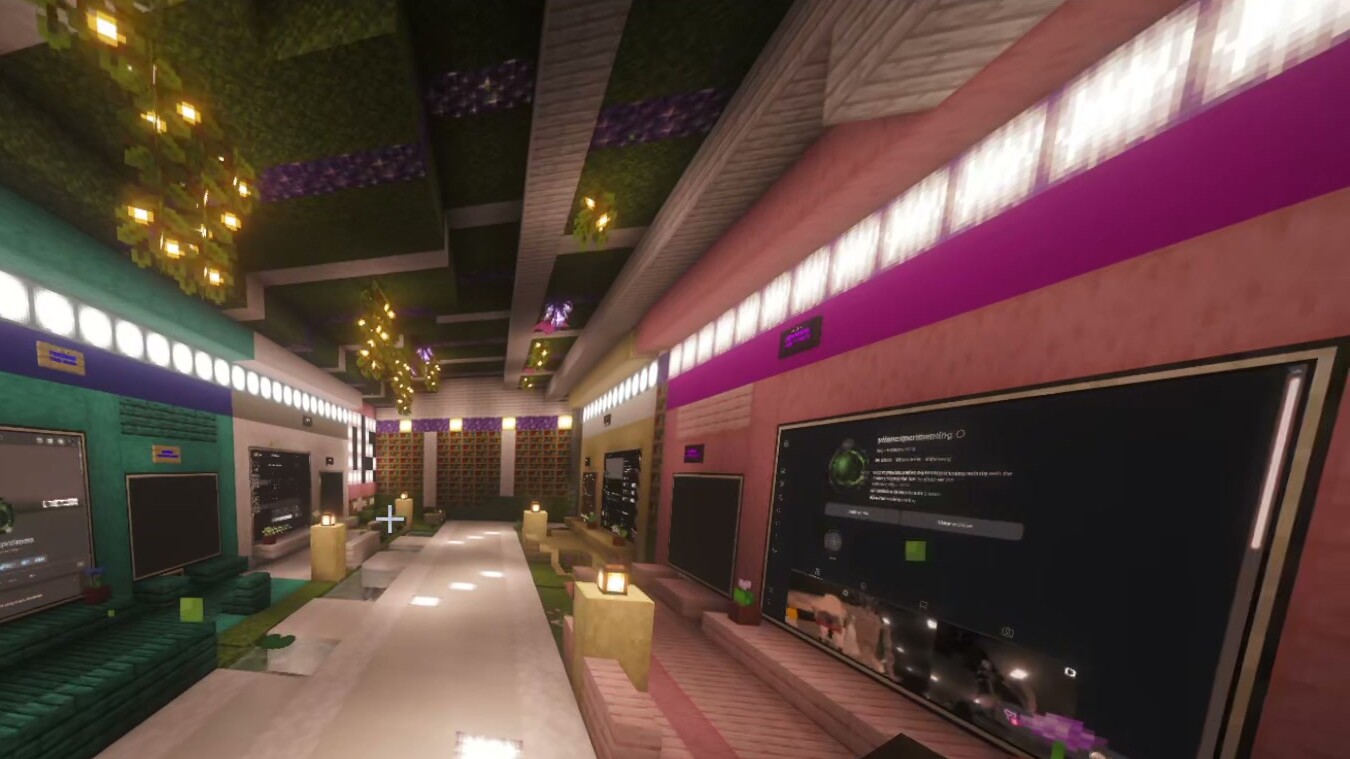
The agents run outside the game, so they keep working when you leave. After quitting and reloading on the first night:
“So we can close it enjoy our day And then Come back Boom the agents are still working right here” [T1, 02:12:55, live]
On 29 October he said agents kept editing after he closed Minecraft, about 22 clips [T8, 00:06:30–00:08:38, live]. A PC restart, by contrast, would stop them. He said it also changed how starting work felt: “I’m not dreading any pain / Or like context loss because I know anytime I want to work on the robotics project / I just fly down here” [T4, 02:21:42, live].
Monitor: glance at lit screens
Lit screens and lamps let you read activity from across a room. A friend described this cue in his own world:
“How I can tell when the task is like running because their screen will turn on” [T8, 00:48:43, live; a friend, speaker inferred]
He also said watching the team was more fun than “just looking at you know Claude you know just typing” [T8, 01:00:57, live; a friend, speaker inferred].
Lamps show who is busy, not yet who is waiting for an answer. That signal is next.
Orchestrate: move work room to room
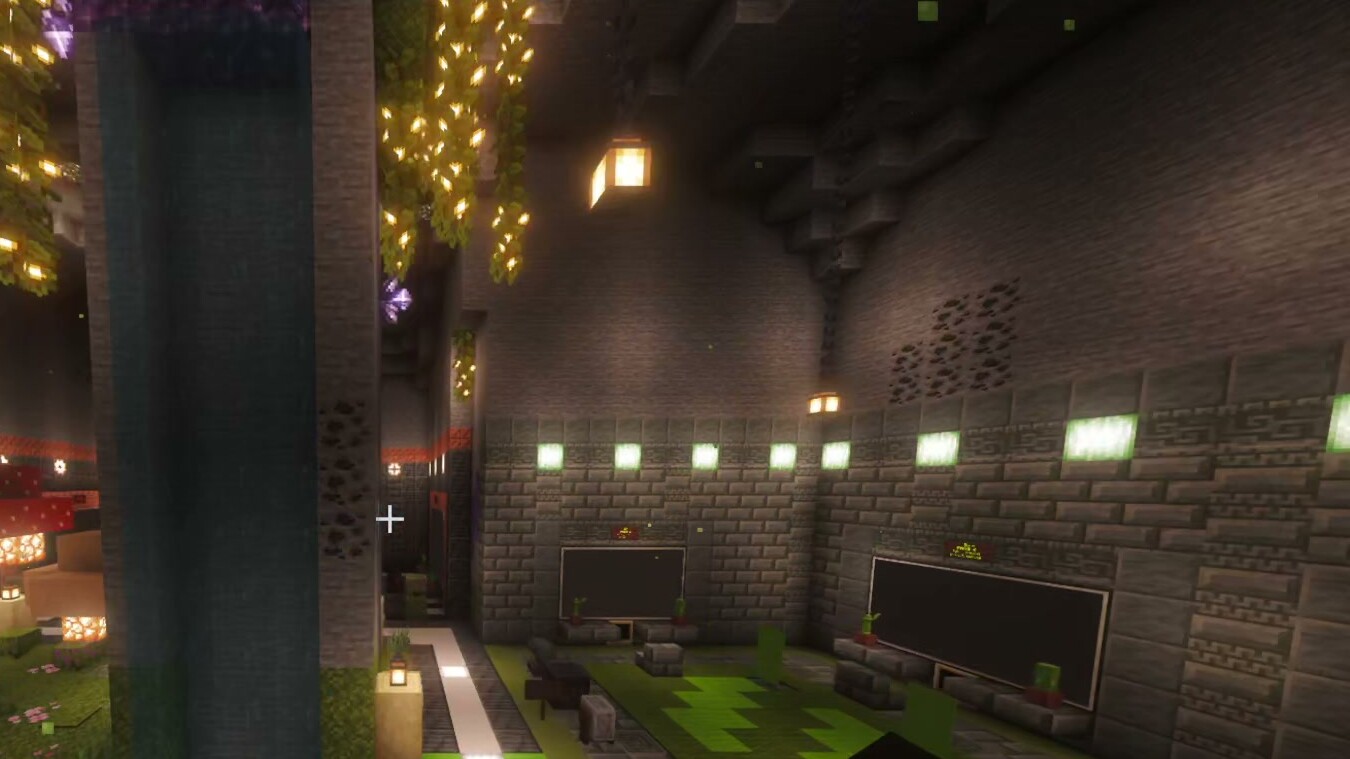
Harrison laid out his pipeline as a row of places, about one stage and one agent each:
“We just go to that room and just start building / And when we’re done, then we just leave that room” [T2, 01:04:14, live]
By 29 October he wanted a place for each to-do item, “a repeatable pattern” [T8, 03:28:22, live].
His own scripts and agent instructions move the work between rooms. The layout made each stage visible and easy to visit.
Places at every scale
Places ranged from single rooms to whole worlds. The pipeline lived in a cave of five rooms. He wanted whole worlds for lines of work: “We can build a whole world for the paid ads” [T7, 02:48:38, live]. He even imagined a pirate ship holding your tax work, though that stayed an idea. Agents did most of the building: “I didn’t build any of this” [T6, 07:45:10, live].
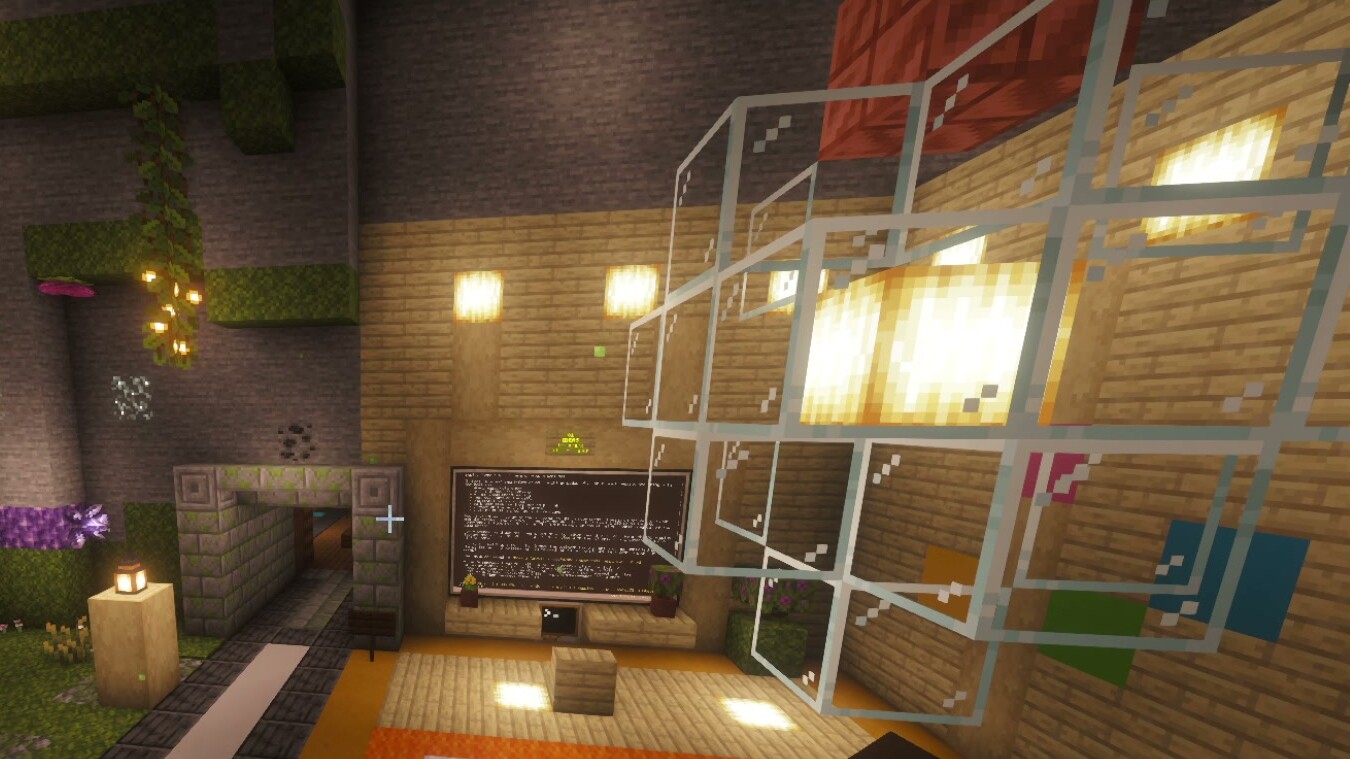
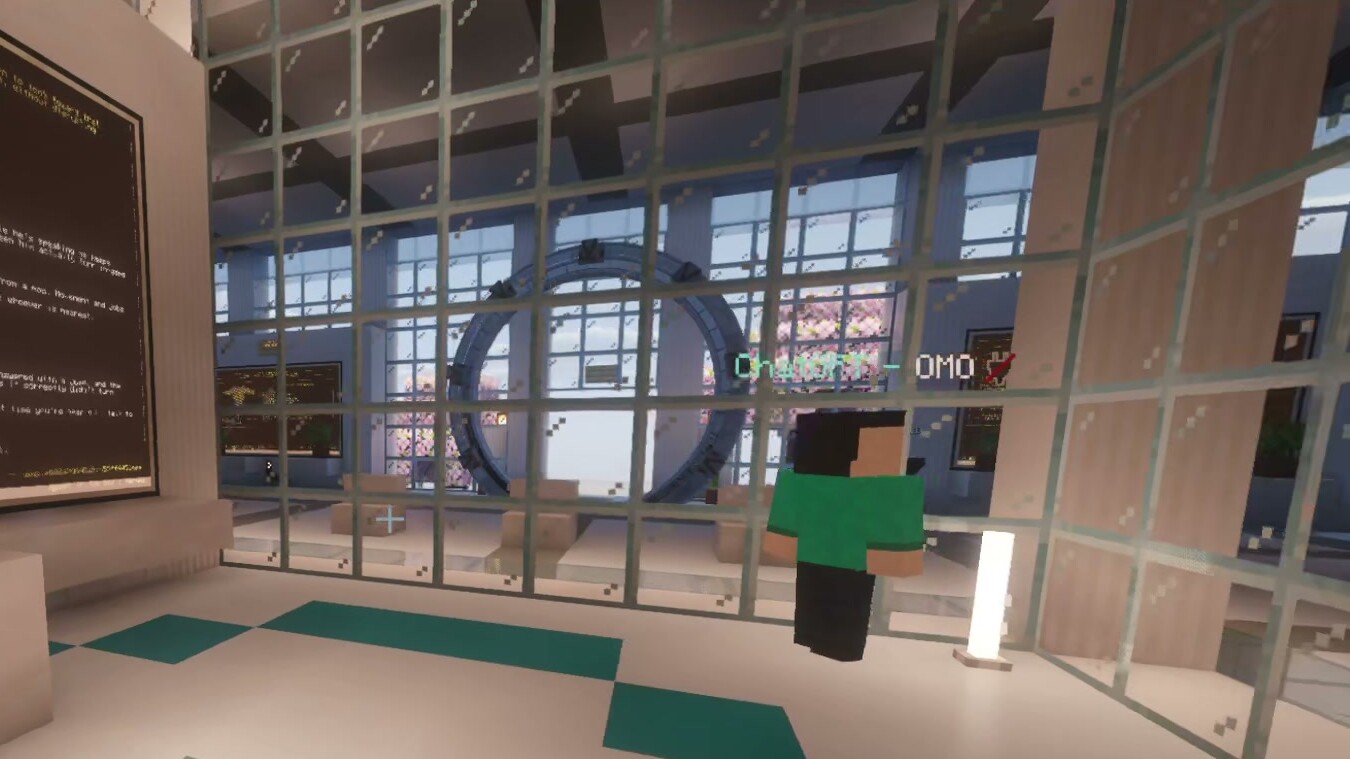
A friend took the idea his own way. New to Hermes and on Windows, he described about 24 hours of work: “It just gave Claude the GitHub and then gave it a few prompts and then it just it built the world” [T8, 01:04:44, live; a friend, speaker inferred]. His world added an AI office with a manager agent, teams, a podium and a sports arena. None of that is part of Omo Space.
05Web pages with a terminal attached
Under it all is a simple pattern: a web page that stays put, with an agent terminal beside it. Late in the week, Harrison put it like this:
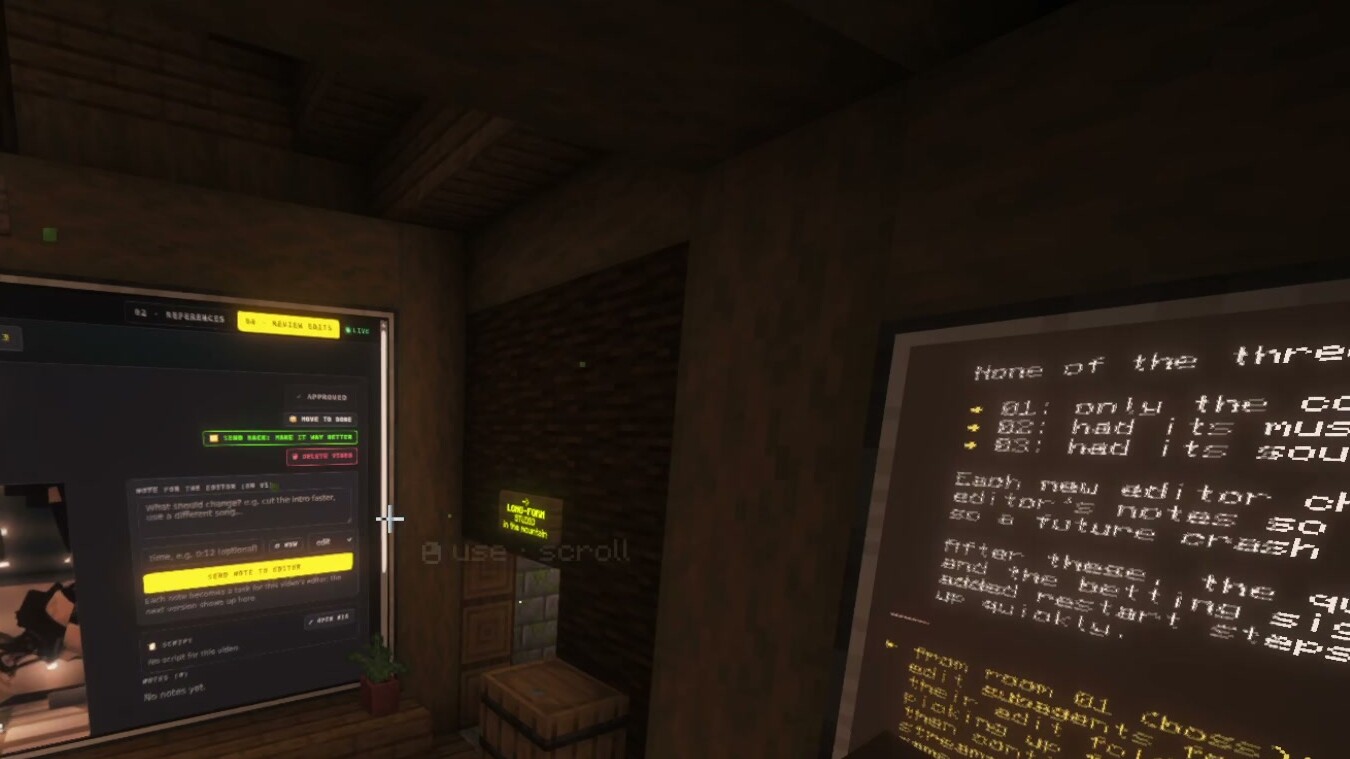
“the concept of spatial interfaces with persistent webpages is easy to use and talk to and control. … We’re doing it inside Minecraft, but I believe there is not enough … attention, these persistent webpages with a terminal attached to it. And with this, you can build whatever pipeline that you want.” [T8, 03:38:57–03:39:18, live]
It works like this. You ask an agent for a page for one job, such as a review queue or a publishing form. You pin it on a wall where it belongs. You check it, then approve or ask for changes in the terminal beside it. Later, you come back.
The page does the job, and the place gives it a fixed home near related work. The terminal means the page is never finished, since you can always ask for changes. A normal browser tab could host the same page, and we have not separated those effects. The in-world browser has limits too: drop-down menus could not be selected [T8, 03:22:45, live].
06Design lessons
- Give work a place. One lasting, recognisable place per line of work, at any size, with room for several sessions and mirrored screens.
- Separate address from state. A place is only an address. The process, conversation, page and world behind it each need their own stated, tested guarantee.
- Busy is not waiting for you. A lit screen says busy. A question needs its own state and a signal that follows you between rooms, not colour alone.
- Make hand-offs explicit. Moving work between places should be a visible object or action, not implied by layout.
- Let the work choose the shape. Rooms, caves, towers, ships or whole worlds, built by agents or by hand.
- Show honest state. Never fake progress or re-run anything for the user. Show what the world itself costs, not only what it saves.
07What’s next
We do not claim worlds beat tabs, because we have not measured it. Here is what we want to measure next.
- Finding. How fast can someone find a named agent among 12 or 24 sessions, in a world versus tabs? The tabs get a fair setup: same agents and persistence, good names, status badges and search. Then any difference comes from space, not better tools.
- Resuming. After a day away, how long until the first useful action?
- A waiting for you signal. Once we build it, are blocked agents noticed sooner? Does it work across rooms, or only with a signal that follows you?
- Places built from one prompt. Log every place an agent builds, including failed and abandoned ones. How many are used as-is, need fixing, or are still in use two weeks later?
Some raw material already exists: bridge logs of sleep, resume and interruption events, Hermes session stores and the recordings.
08Prior work
Using space to organise computer work is an old idea, but not for agents that work on their own. Rooms (1986) split a crowded screen into virtual rooms [2]. Data Mountain (1998) showed people can use spatial memory to place and find documents [3]. The Task Gallery (2000) hung running applications on the walls of a 3D gallery [4]. Calm technology argued for displays that show state “without being obtrusive” [5]. The closest recent work supervises agents with dashboards. ParallelPilot adds “an ambient dashboard alongside existing coding tools” [6]. AgentGUI is an interface for observing and steering long-running agents [7]. Both report controlled user experiments; we have none. Omo Space adds the combination: places, built by people or agents, that hold long-running sessions and agent-made pages.
References
- Omo Research. 2026. Omo Space documentation: Agents and terminals. docs/AGENTS-AND-TERMINALS.md, revision 75d4677. https://github.com/omoresearch/omo-space
- D. A. Henderson Jr. and S. K. Card. 1986. Rooms: The use of multiple virtual workspaces to reduce space contention in a window-based graphical user interface. ACM Transactions on Graphics. https://doi.org/10.1145/24054.24056
- G. Robertson, M. Czerwinski, K. Larson, D. Robbins, D. Thiel and M. van Dantzich. 1998. Data Mountain: Using spatial memory for document management. In Proc. UIST ’98. ACM. https://www.microsoft.com/en-us/research/publication/data-mountain-using-spatial-memory-for-document-management
- G. Robertson et al. 2000. The Task Gallery: A 3D window manager. In Proc. CHI ’00. ACM. https://doi.org/10.1145/332040.332482
- M. Weiser and J. S. Brown. 1995. Designing calm technology. Xerox PARC, 21 December 1995. https://calmtech.com/papers/designing-calm-technology
- T. Long, W. Shi, H. Mozannar, M. Murad and R. Hosn. 2026. ParallelPilot: Supporting coordination and monitoring in parallel AI coding. arXiv:2609.33113. https://arxiv.org/abs/2609.33113
- X. Zhao, J. Sohn, Q. Zheng and M. Moor. 2026. AgentGUI: An interface for observing and steering long-running AI agents. arXiv:2607.26300. https://arxiv.org/abs/2607.26300
—About this paper
These findings come from the author’s own use of a system he built. It is not a controlled study. One person used it as his main workspace on stream, and a friend built his own world with it. There is no comparison with tabs and no measured outcome. The longer paper, Worlds, Not Windows (working paper, draft v1.9), has the full method, episodes and limitations.
Quotes come from automatic Whisper (speech-to-text) transcripts, which may contain errors. The transcripts have no speaker labels, so for quotes from a friend we inferred the speaker from context. A locator such as [T1, 02:12:55] gives the transcript segment and time. A script checked every quoted span against that transcript. Live means said while working.
Images are labelled by source. Real · live stream images are cropped stills of real agent sessions. They come from the author’s stream on 30 October 2026, the day after the period described. They show what places look like, not outcomes. The one Illustration is generated, not a screenshot.