Each interface started from the same question: what is the most natural way for one person to work with a team of AI agents? We built the smallest version that could answer it, used it for actual projects, and kept notes on what felt natural, what broke, and which tools we quietly stopped opening. The experiments fall under the three questions on our research agenda: voice, screens, and space.
Thirteen interfaces we tried for working with agents
Before we had a thesis, we had a problem: too many agents and no good way to be with them. So we kept building interfaces and living with them.
A field report from our own daily use, April to October 2026. These are prototypes we built and used for real work, not controlled studies.
01 / Approach
Build it, use it for real work, notice what we return to
02 / Voice
Can speaking replace typing?
Talk to anything
Point a phone at a mug or a mouse, tap it, and it wakes up with a face, a personality, and a voice you can talk back to. Built at a hackathon.
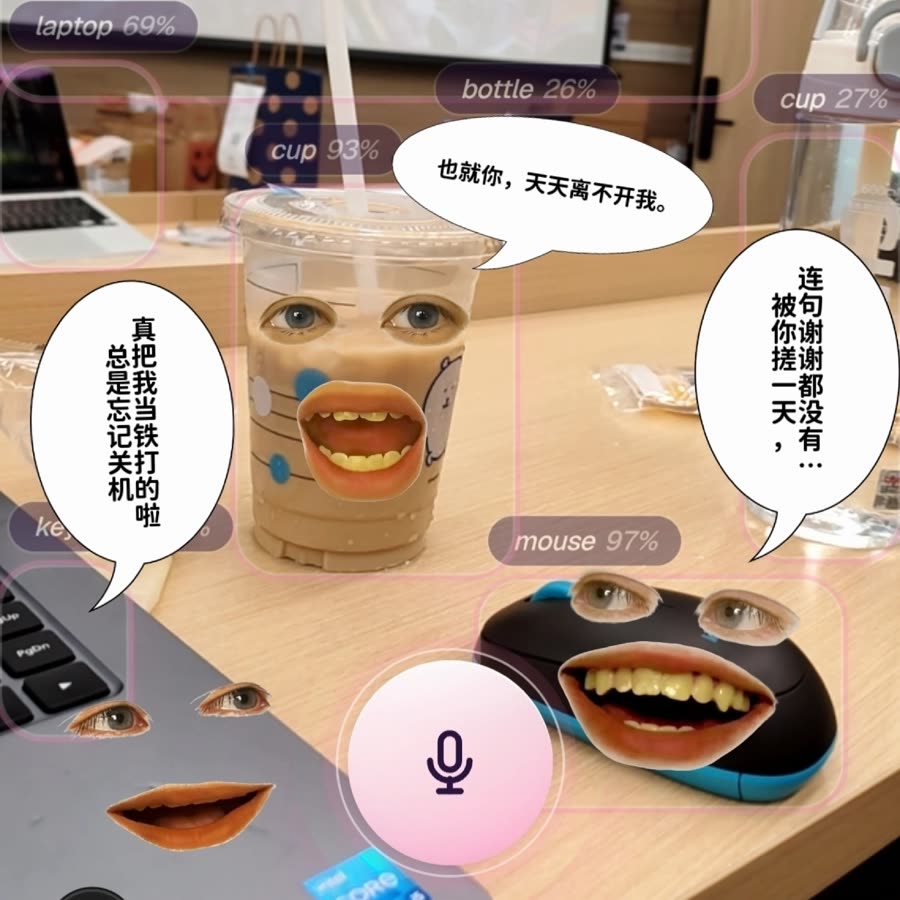
What we sawTalking out loud felt natural as soon as the thing we talked to had a face and a place.
Holographic co-founder
A voice-first hologram that draws live business charts in the air, with a command terminal and a small pixel office where the agent team works. Built in two and a half days and placed third at a hackathon.
What we sawGiving the agent a body and a place made it feel present, which pointed us toward worlds instead of windows.
Voice control from the phone
Ask out loud what's new, hear a spoken catch-up, and post into a thread by voice. Later versions also show the messages on screen.
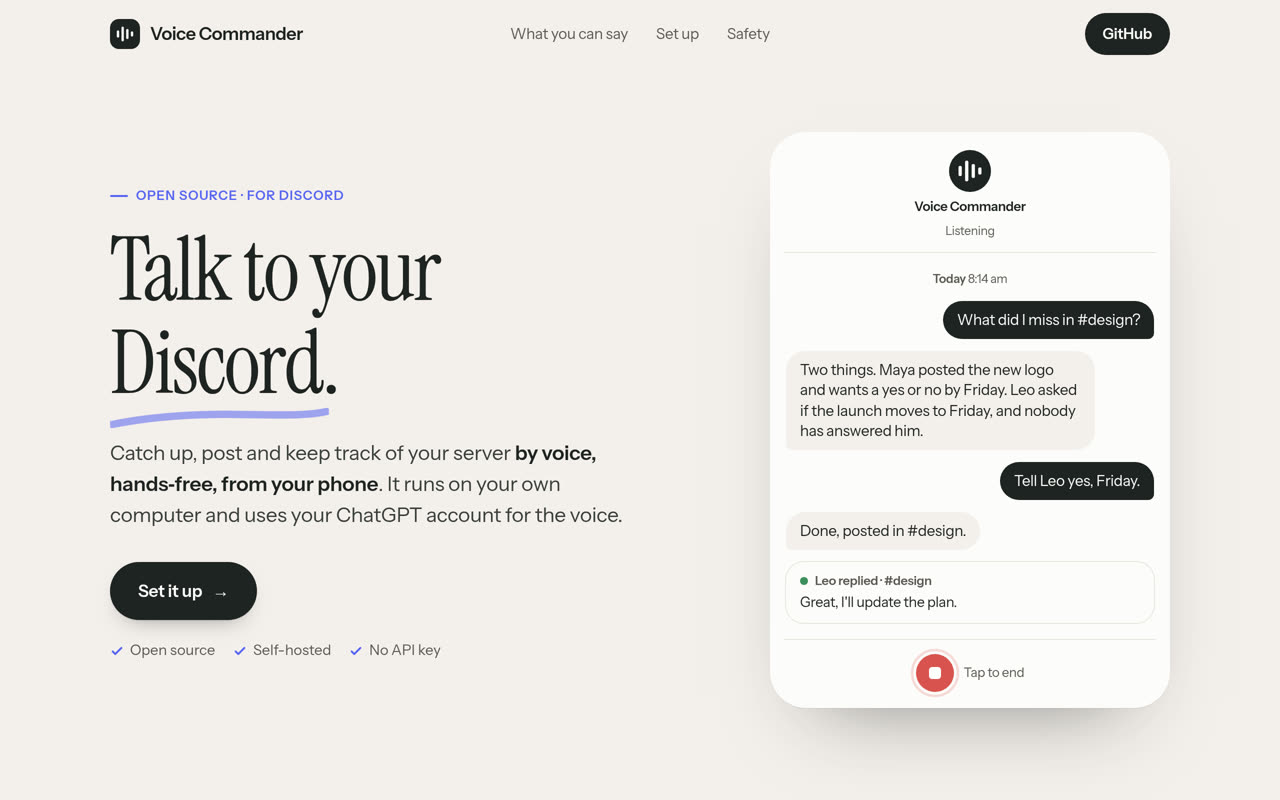
What we sawMost spoken requests were catch-ups (“any updates?”, “what's new?”), not instructions. Reading every post back for confirmation felt slow, and a voice app and a text chat on top of the same agent drifted into giving different answers.
03 / Screens
Can the right app make many agents manageable?
Terminal workspace
One space per project and one tab per agent profile in a terminal multiplexer.
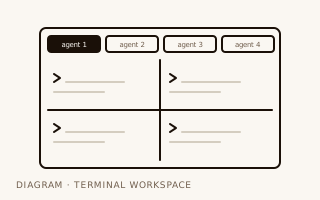
What we sawThe most fluid text setup we used. It broke down on small things, like copying text over a remote connection.
Chat server as HQ
One channel per agent with its reasoning and tool calls visible, plus an HQ channel that sends work out and relays results back.
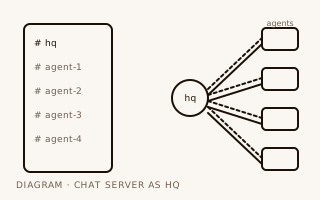
What we sawSeeing reasoning in the open helped. Nested threads got confusing fast, and the app felt heavy for what we used.
One chat that runs everything
Talk to one agent in one thread; it delegates to the others and reports back.
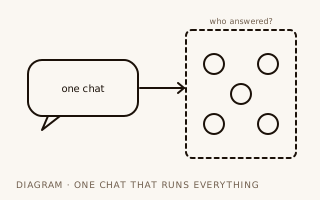
What we sawIt was hard to tell which agent was actually answering. For a while, it was still the default one.
Kanban boards
A web board and a native app to watch agent tasks move across columns.
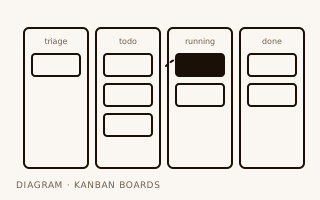
What we sawGood for status at a glance. A separate app for it didn't stick.
Browser extension
A community-built extension we tried, not one of ours: the agent in a side panel next to the page it is working on.
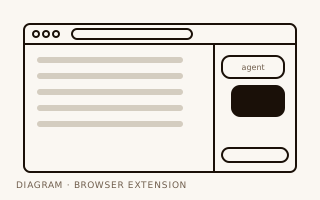
What we sawHandy next to a single page, but one more place to look.
Status dashboard
A small desktop app for logs, service health, and API costs: the agent system as a dashboard instead of a conversation.
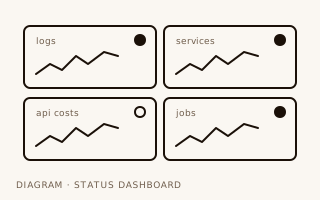
What we sawGood for health and costs. It said nothing about what the agents were working on.
Glass desktop app
A lightweight native app with the same channel and thread structure as the chat server: about 206 MB of memory against roughly 1 GB, and ready in a quarter of a second.
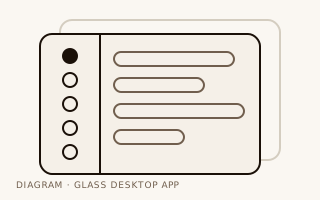
What we sawA lighter skin on the same structure. Replies were only tested against a mock backend.
04 / Space
Can a place replace the menu?
Agents in a Minecraft world
Agents living in a shared Minecraft world instead of a chat window.
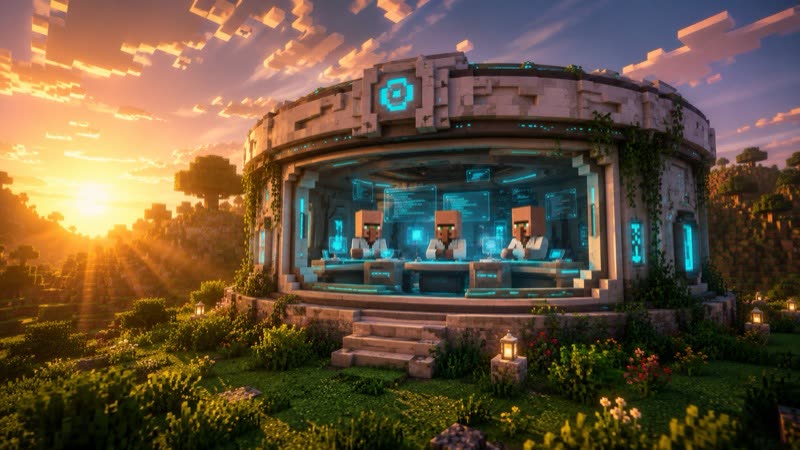
What we sawGave us our working idea: the world is the interface.
Minecraft as the interface
A real terminal inside Minecraft, a pocket computer you can type into, and in-game monitors that show live web pages.
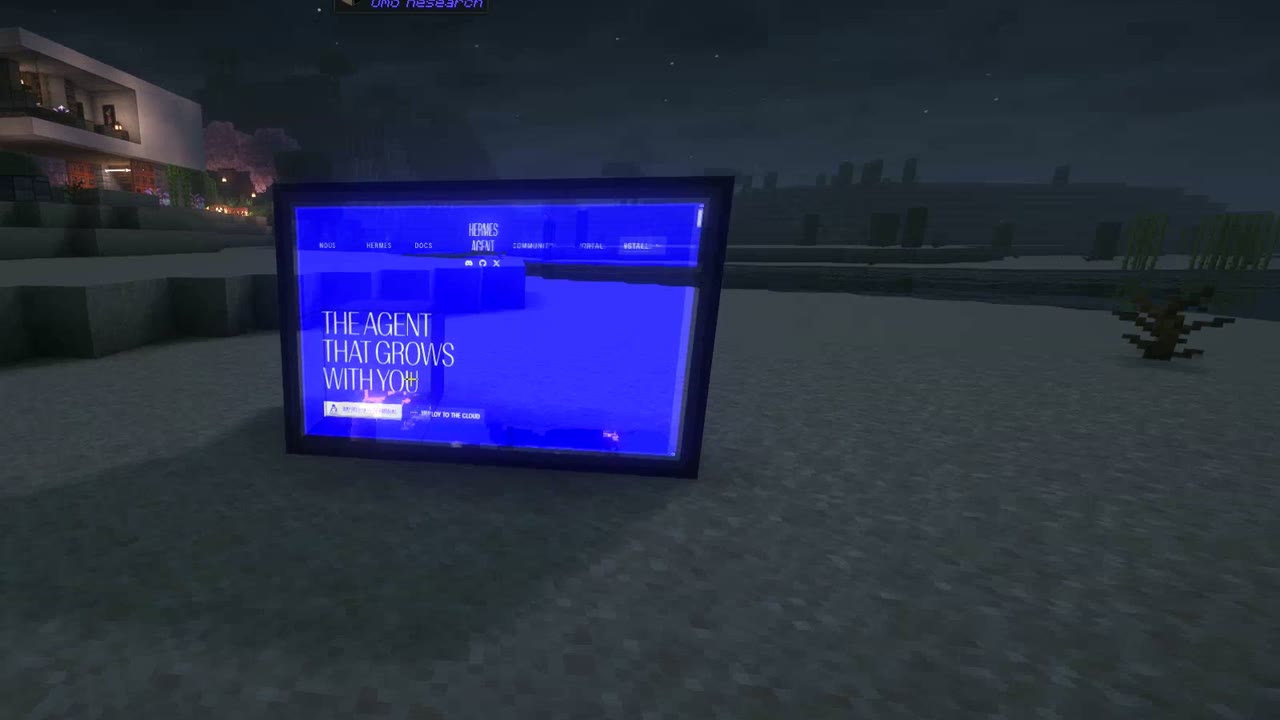
What we sawThe first version felt slightly laggy. Once typing in the world was instant, it became the interface we kept coming back to.
Omo Space
One room per project and screens that stay where you left them, which became Omo Space: real AI agents at their own desks inside Minecraft, each with its terminal on the wall.
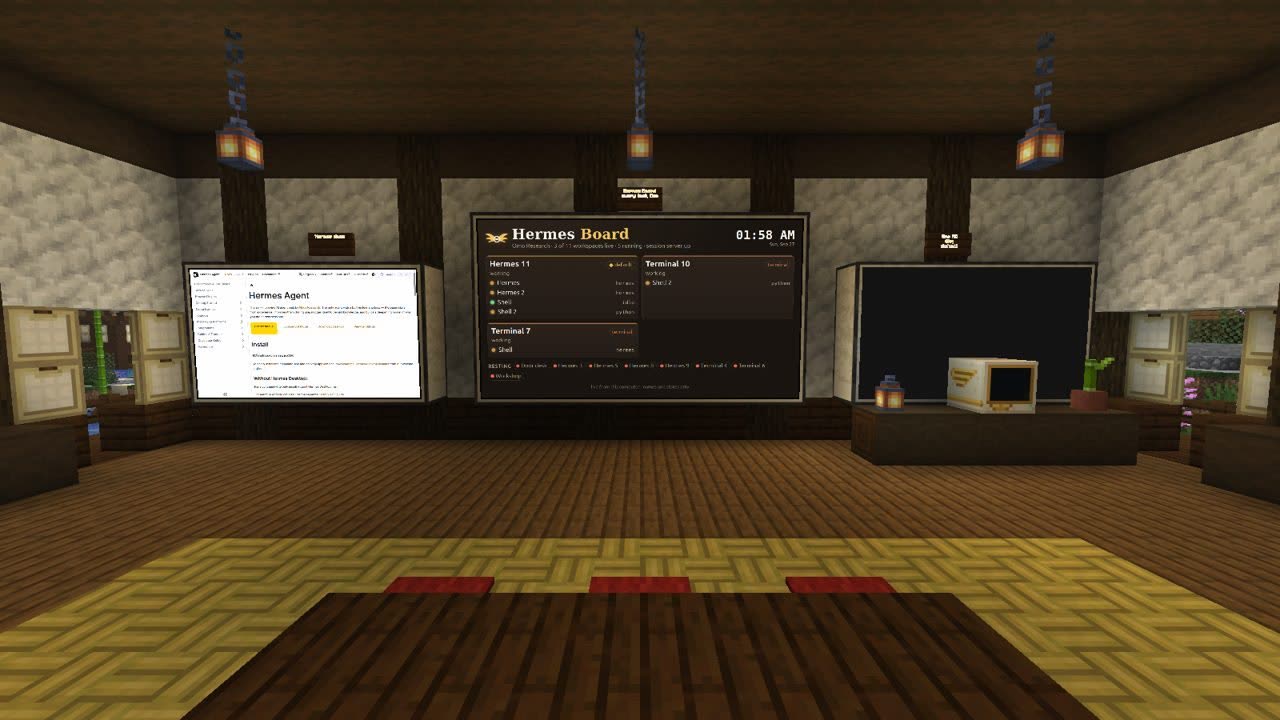
What we sawWalking to an agent's desk is a fast way to know what it is doing. This is what we use every day.
05 / Patterns
What kept showing up
Pattern 01
Every setup rebuilt rooms
Tabs per agent, channels per agent, spaces per project. Each text interface ended up drawing a map. A world gives you that map directly.
Pattern 02
Voice is for catching up
Spoken requests were mostly status questions. Detailed instructions still went through typing.
Pattern 03
Speed decides everything
A beautiful interface that lags gets abandoned. The in-world terminal only stuck once typing felt instant.
Pattern 04
One agent, one front door
Two interfaces on the same agent drifted apart in tone and answers. Shared state underneath matters more than the skin on top.
Pattern 05
Persistence builds trust
Screens and desks that stay where you left them made it easy to pick up where an agent was.
Pattern 06
Hidden routing hurts
The more an interface hid which agent was doing what, the harder it was to fix things when they went wrong.
06 / Limits
One small team, one set of habits
These observations come from a small team using its own tools. We did not run controlled comparisons, and most numbers here are from our own setup. Some ideas stalled for practical reasons, such as a bug or a missing feature, rather than because the idea failed. Treat this as a map of what we tried, not as evidence that one interface is better for everyone.
07 / Continue
Where it led
Experiment 13, ongoing
Omo Space
Real AI agents at their own desks inside Minecraft, each with its terminal on the wall. It is what we use every day now, and where the next experiments will happen.